Watch the video below OR scroll down to view the steps listed out instead.
TABLE OF CONTENTS
Video Tutorial:
Step By Step Guide:
Edit or reallocate a user's license
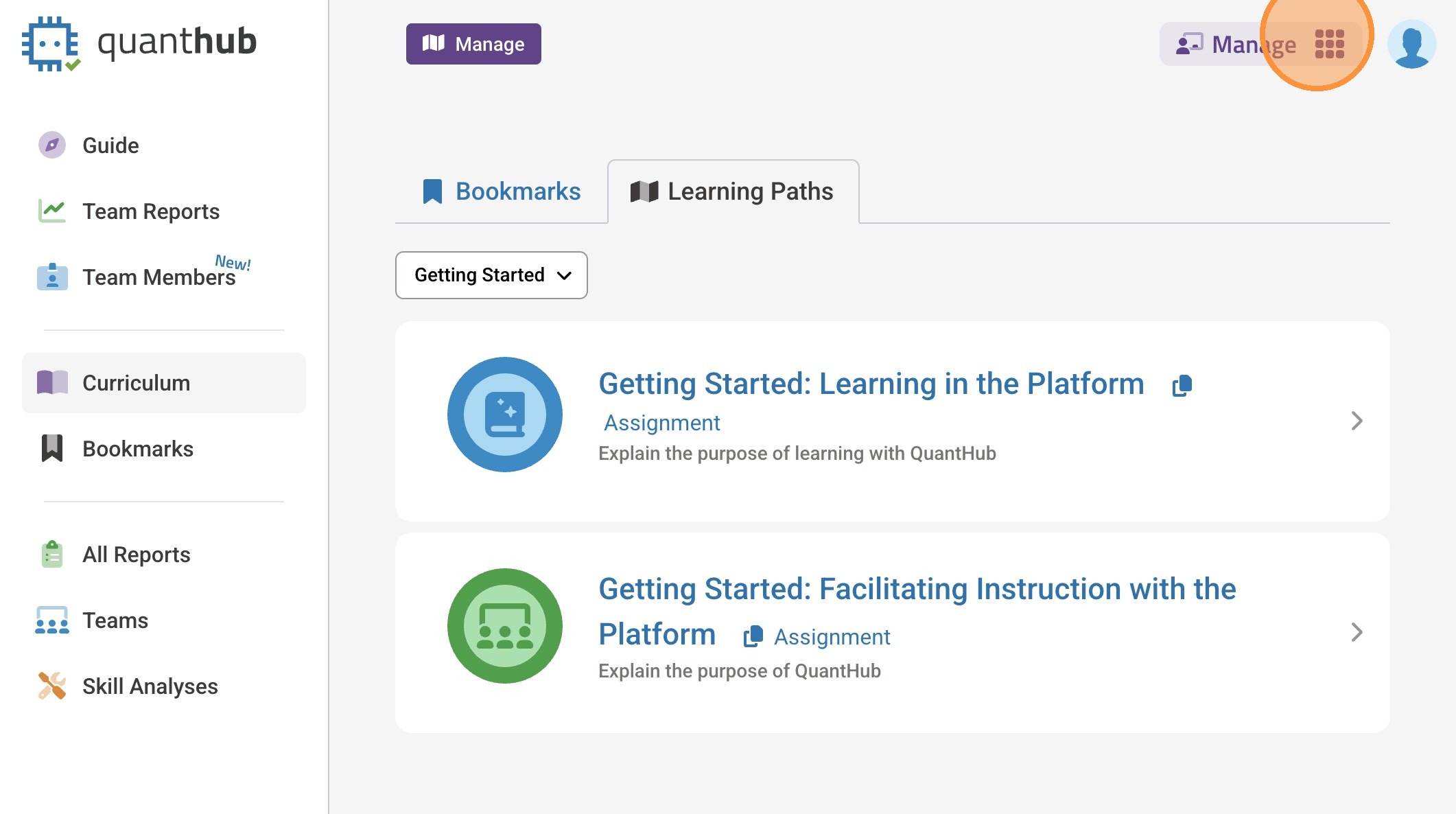
1. Log in to the platform and select the 9-dot
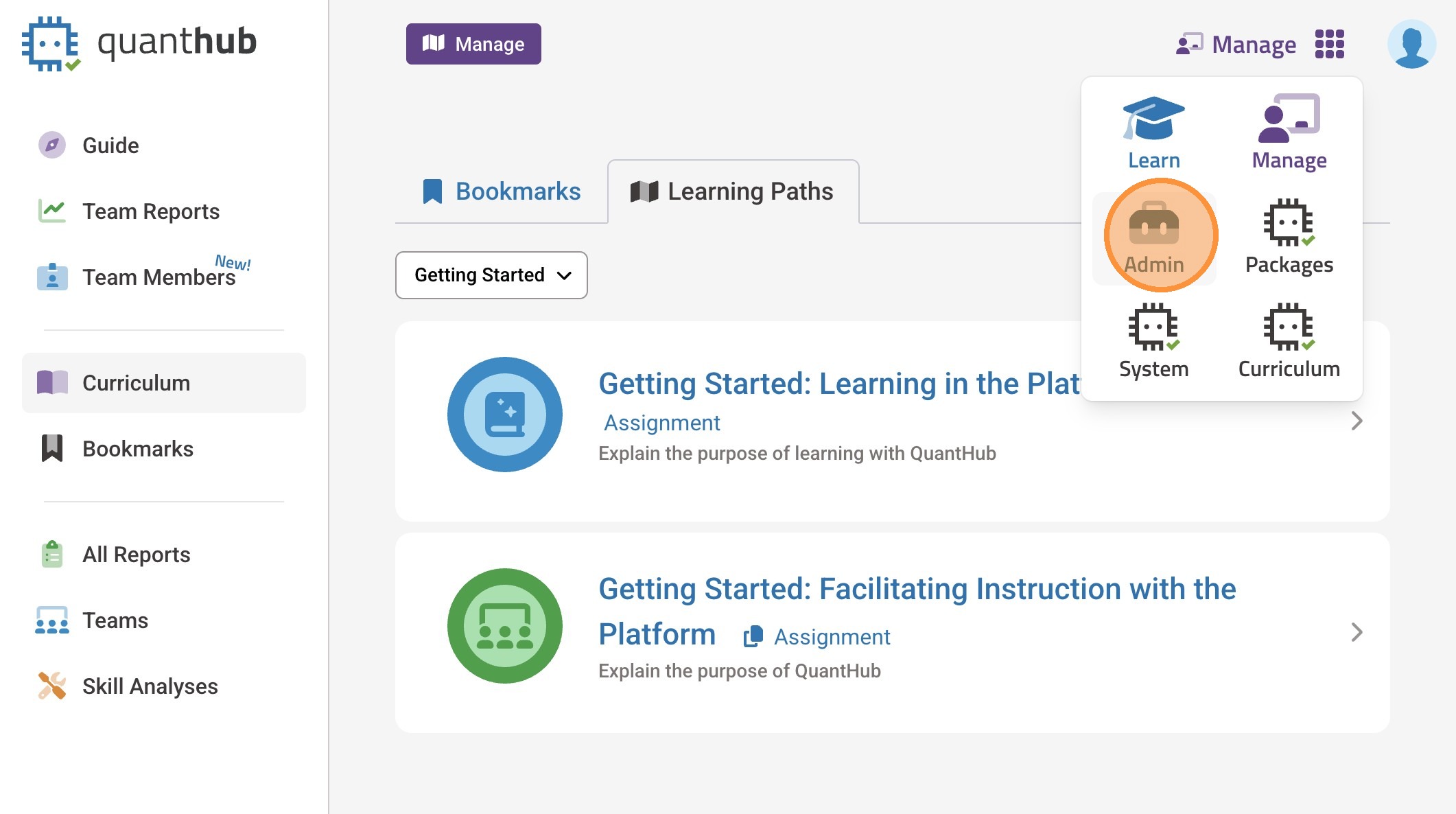
2. Go to the Admin page
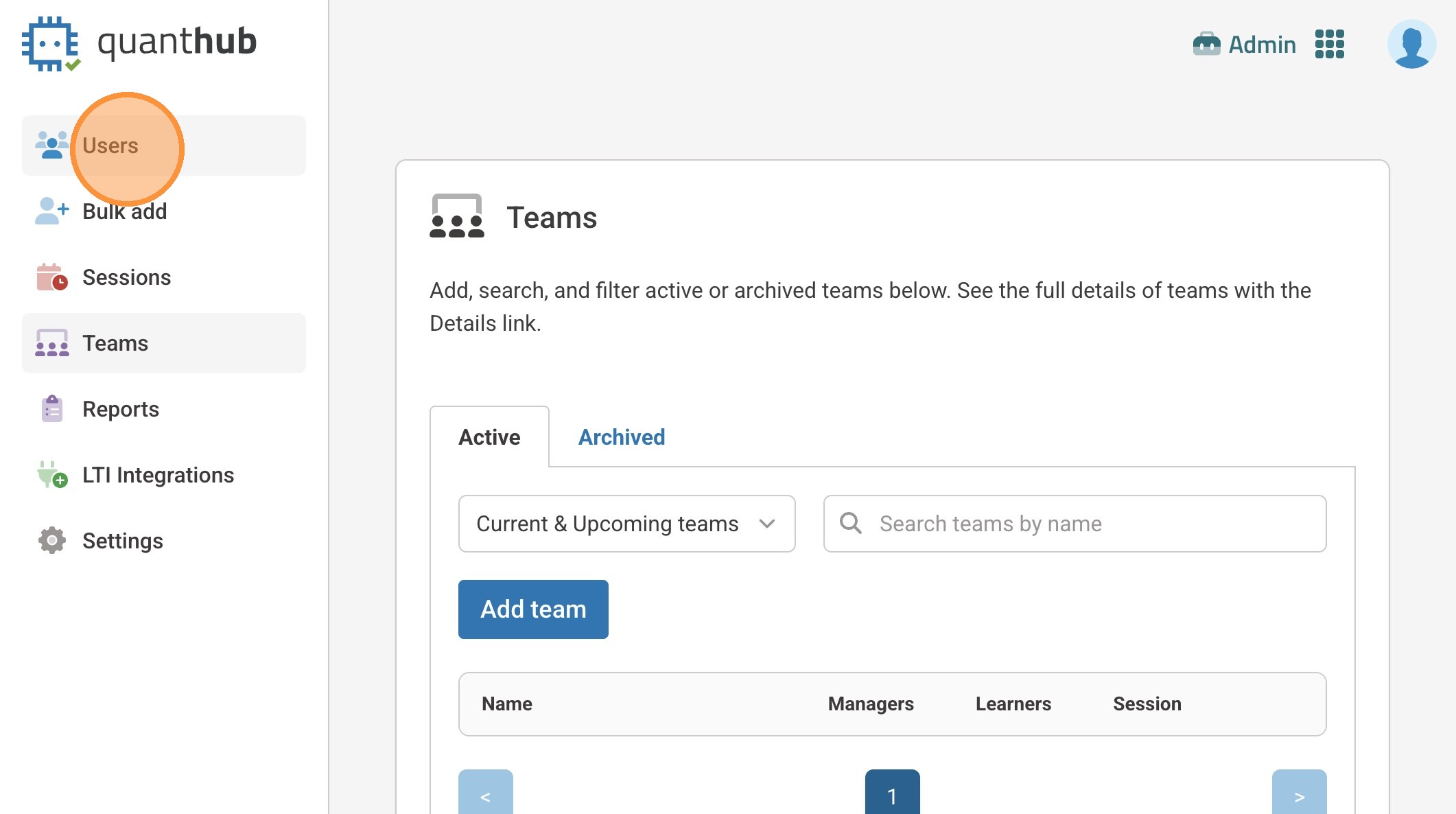
3. Navigate to the "Users" tab
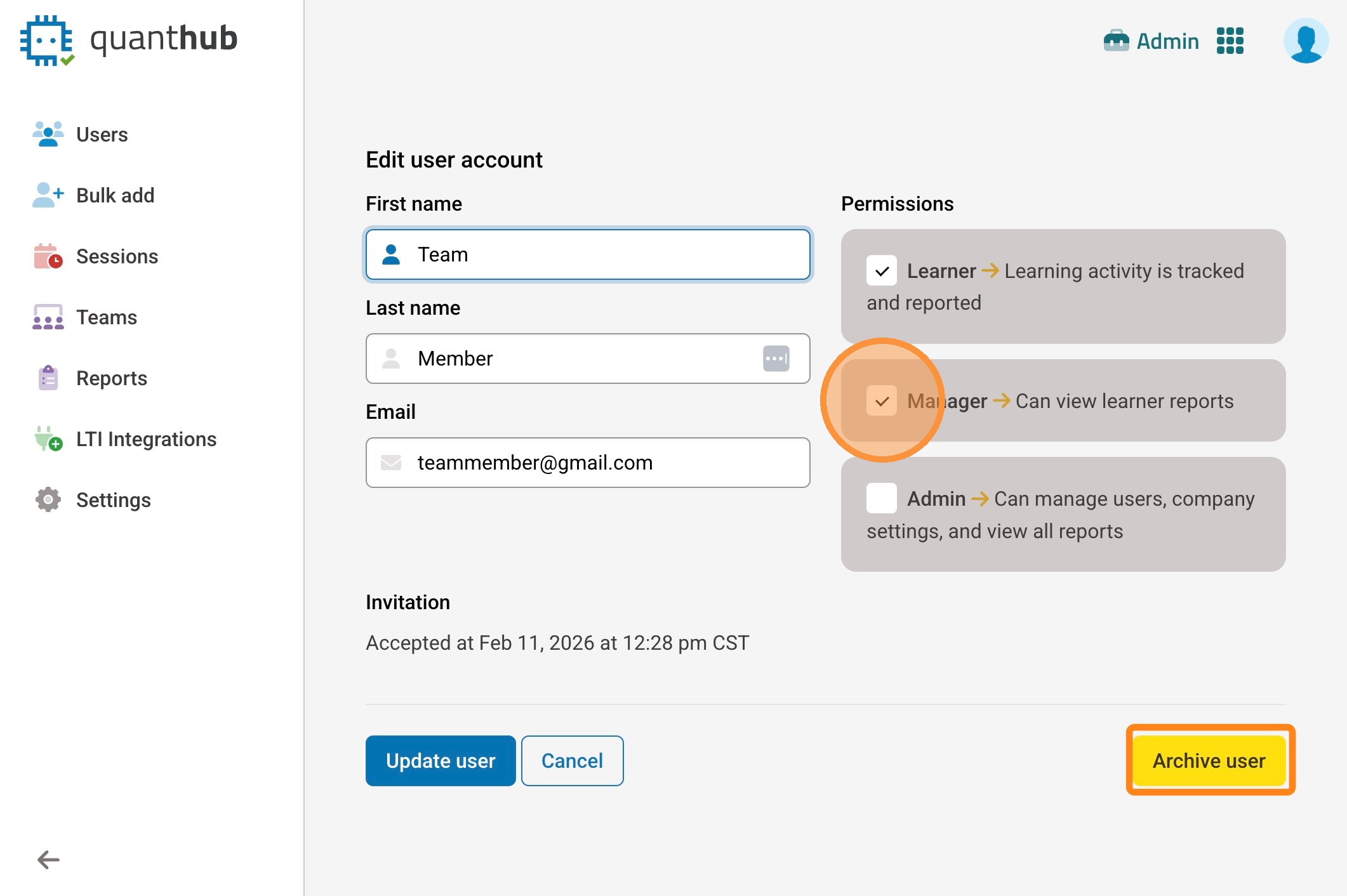
4. "Edit" the user who's permissions need to be updated
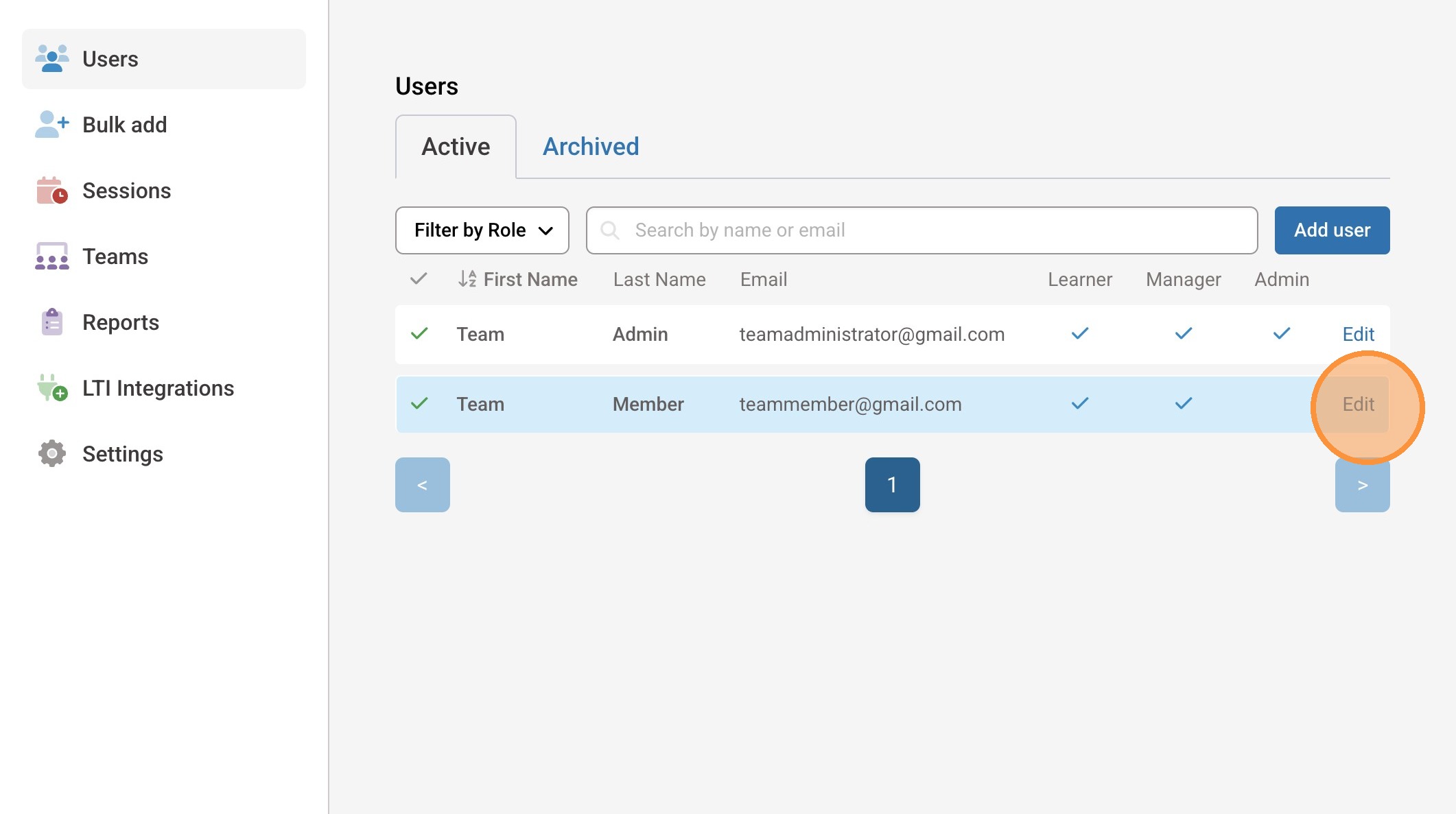
5. Select the new permissions, or archive the user if account is no longer needed.
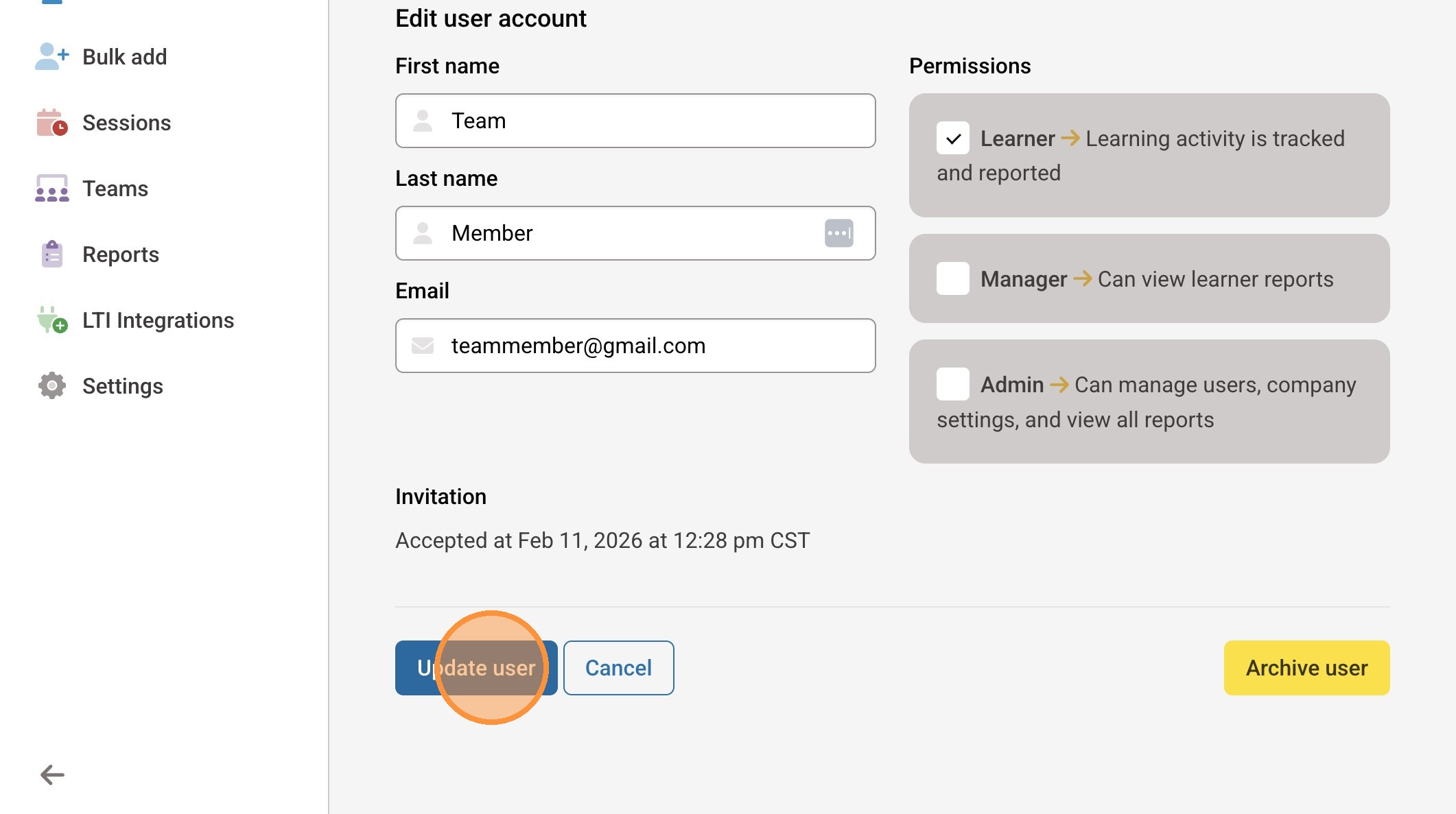
6. "Update user" to save changes
Was this article helpful?
That’s Great!
Thank you for your feedback
Sorry! We couldn't be helpful
Thank you for your feedback
Feedback sent
We appreciate your effort and will try to fix the article