Watch the video below OR scroll down to view the steps listed out instead.
Video Tutorial
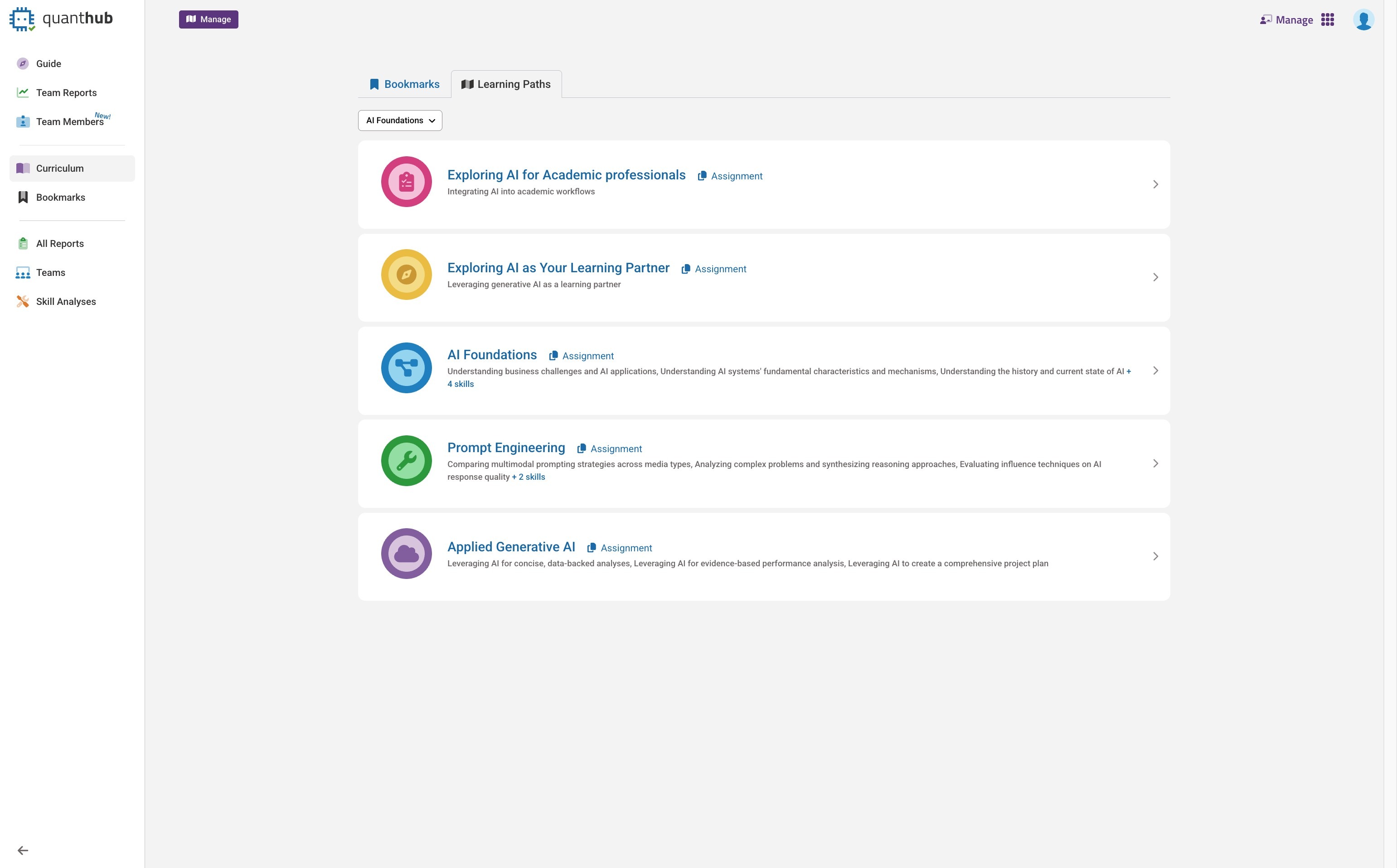
2. Select the nine dot icon.
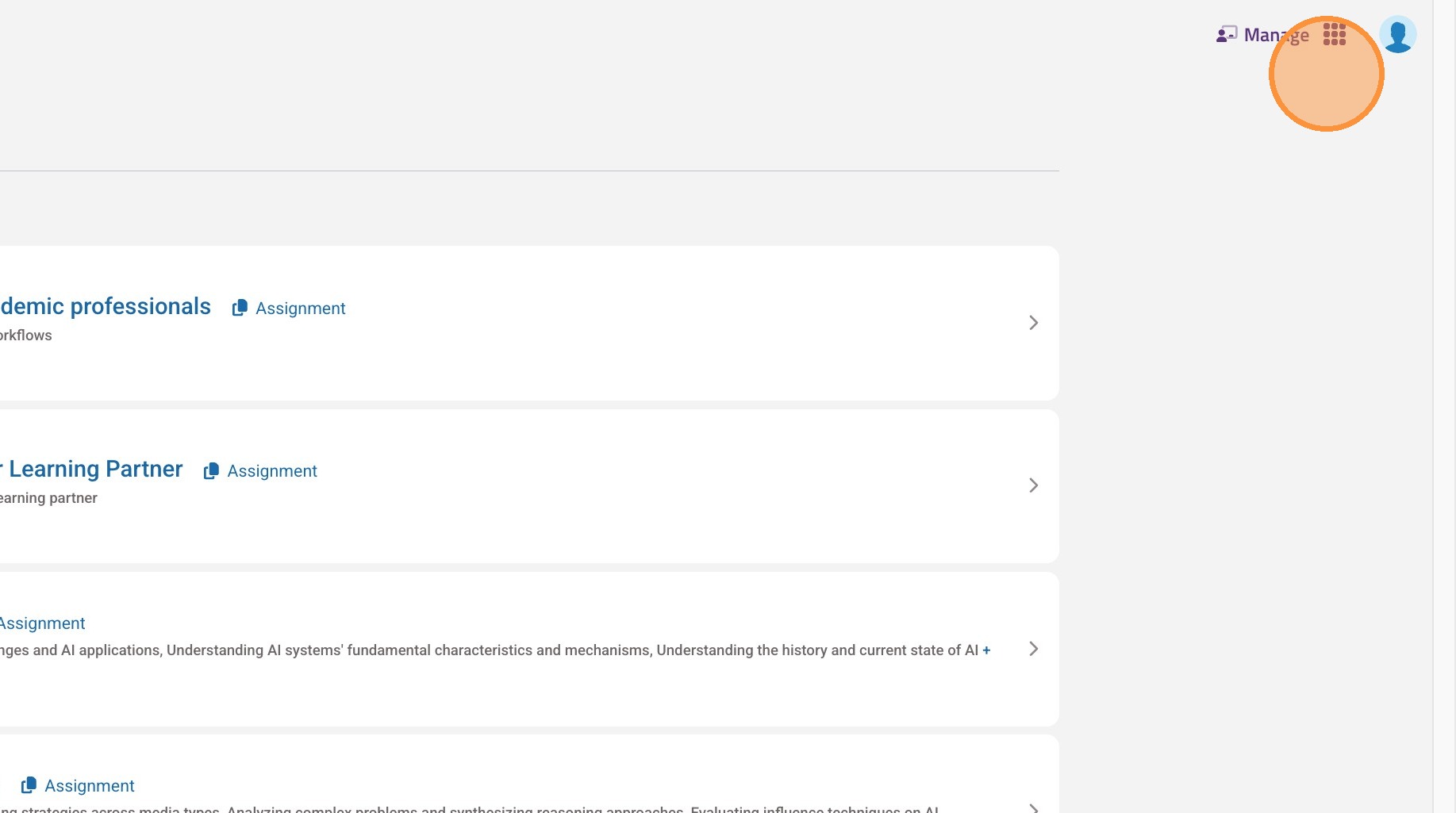
3. Select "Manage"
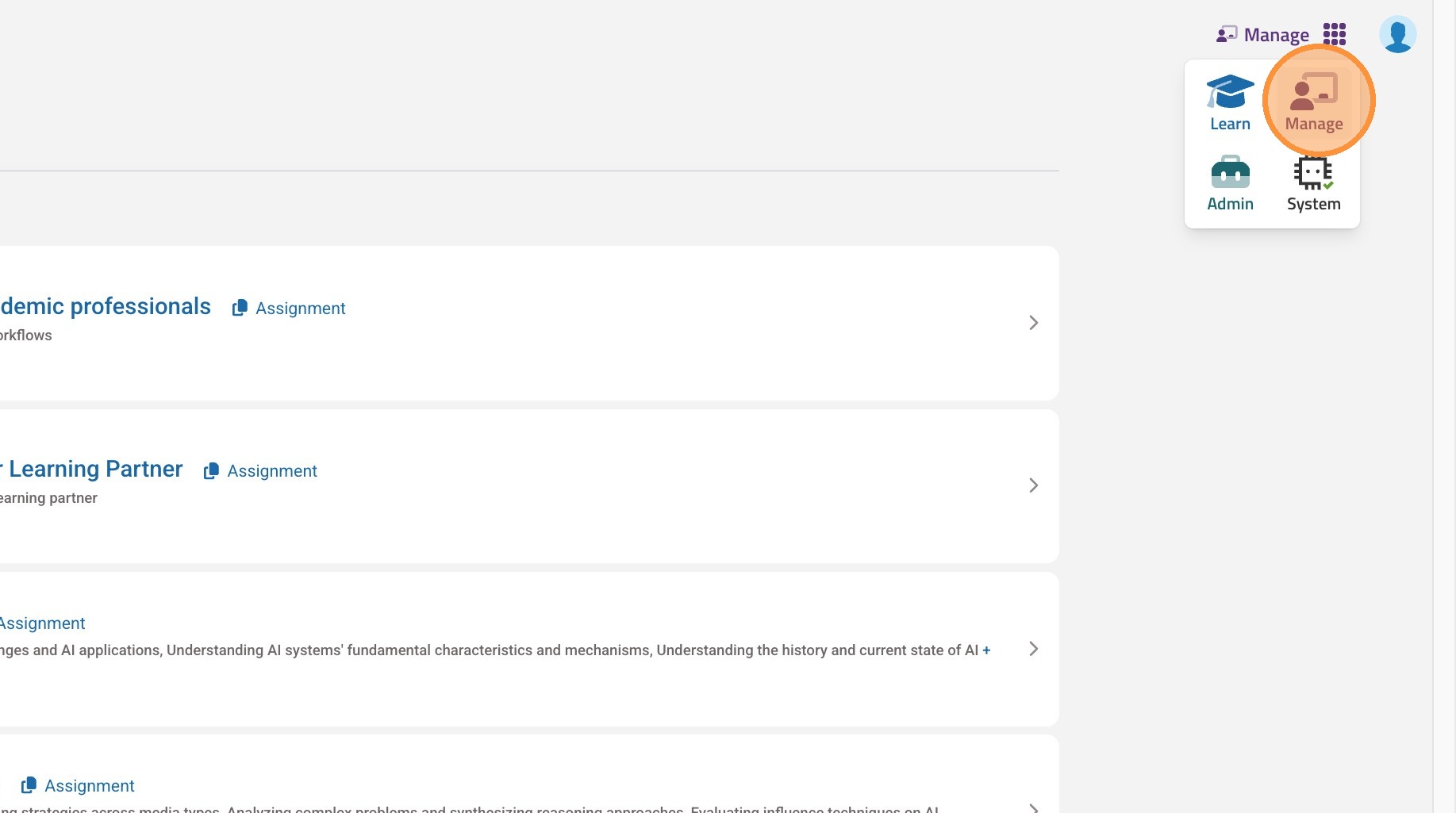
4. Select "Teams"
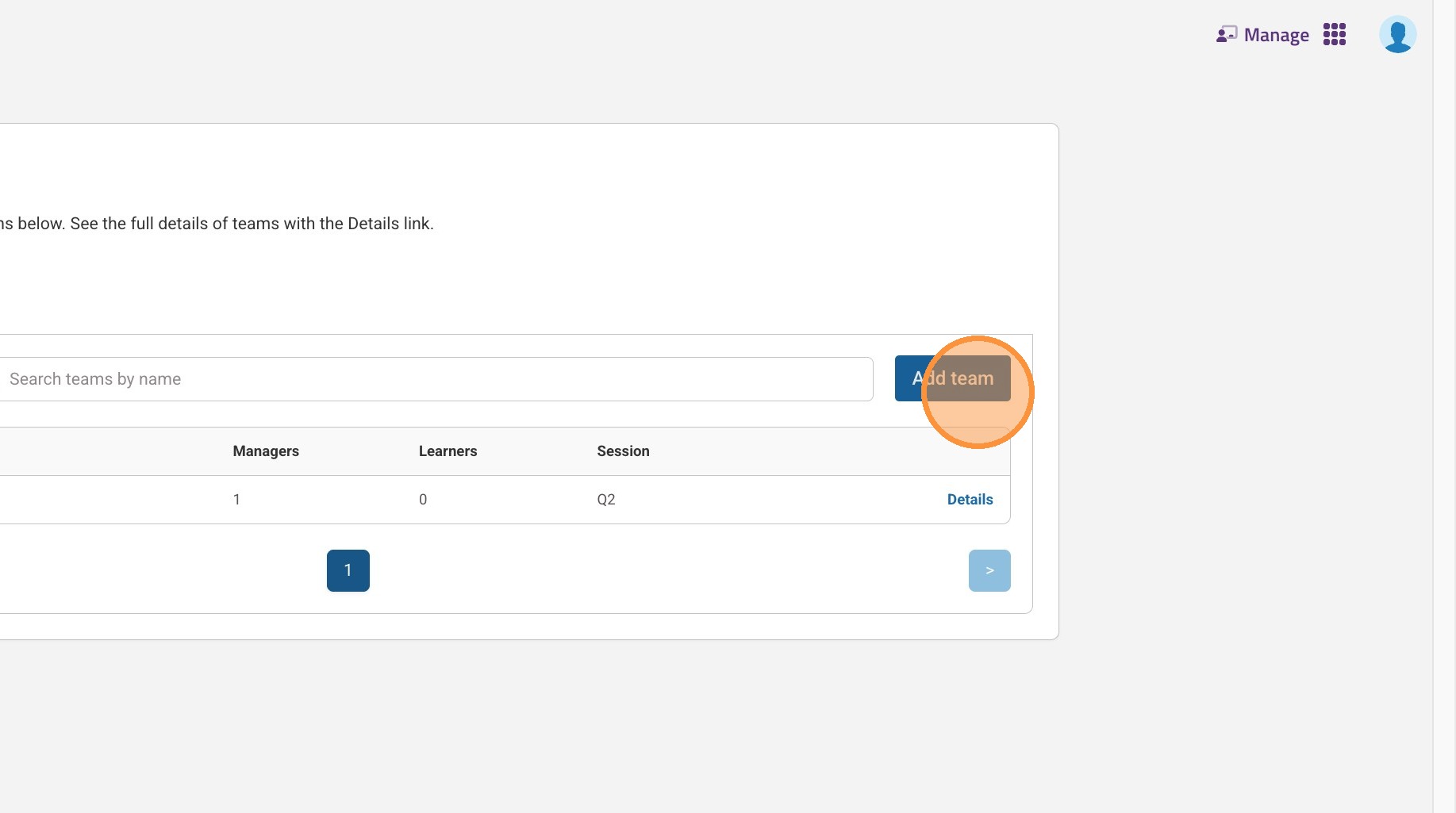
5. Select "Add team"
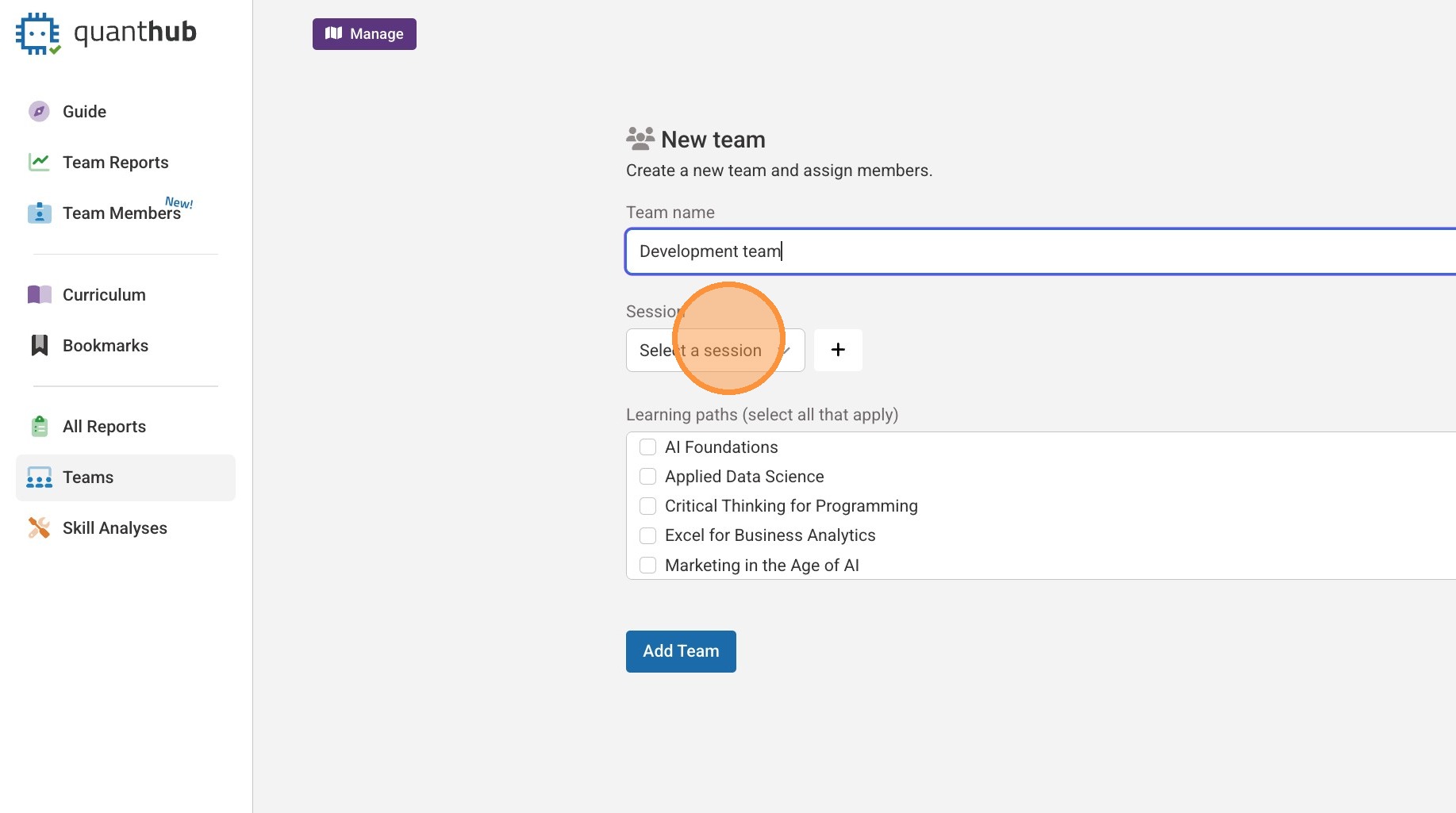
6. Fill out relevant information for your team.
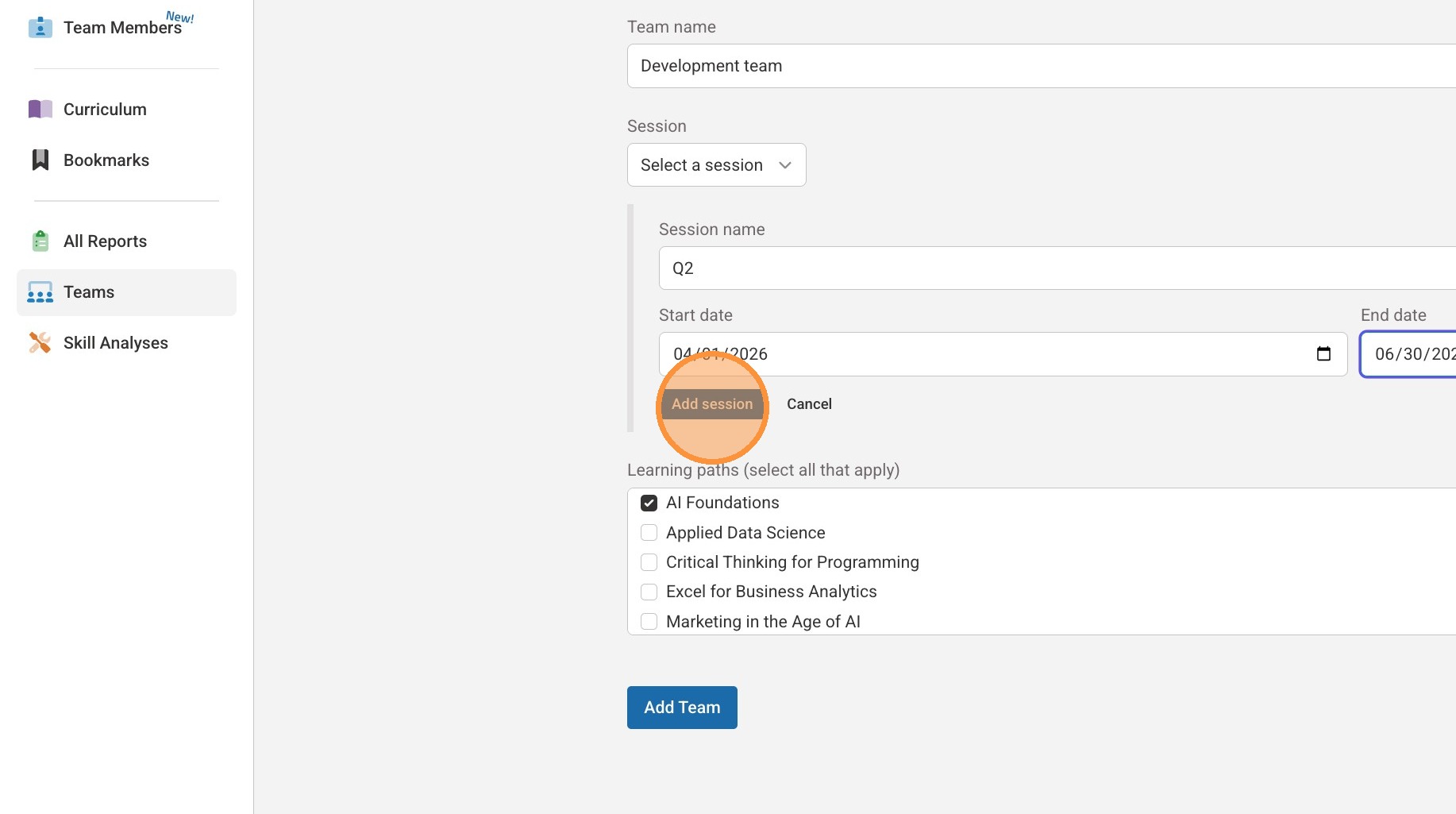
7. You can add an additional session that you would like the training to be complete. After select "Add Session."
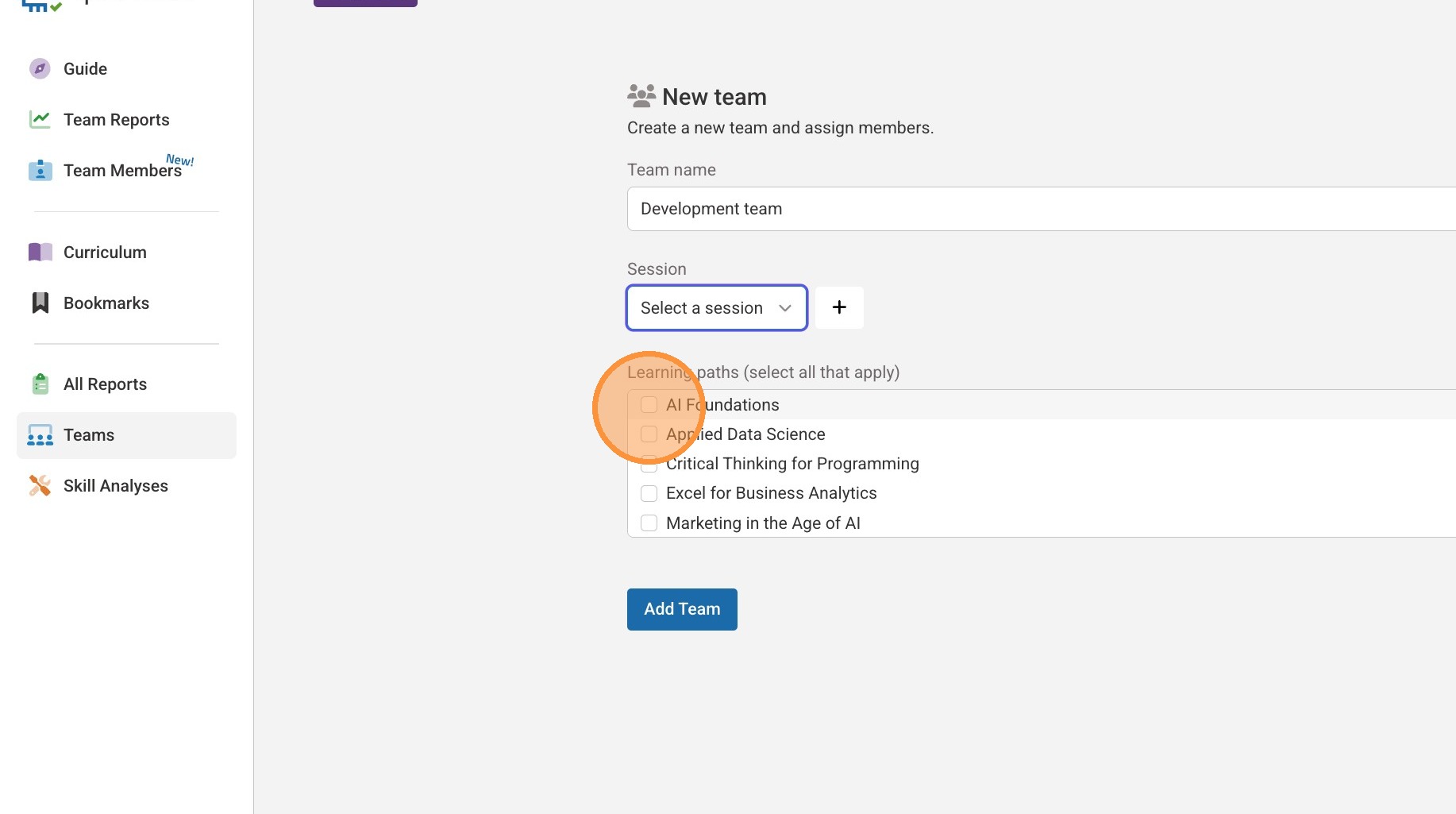
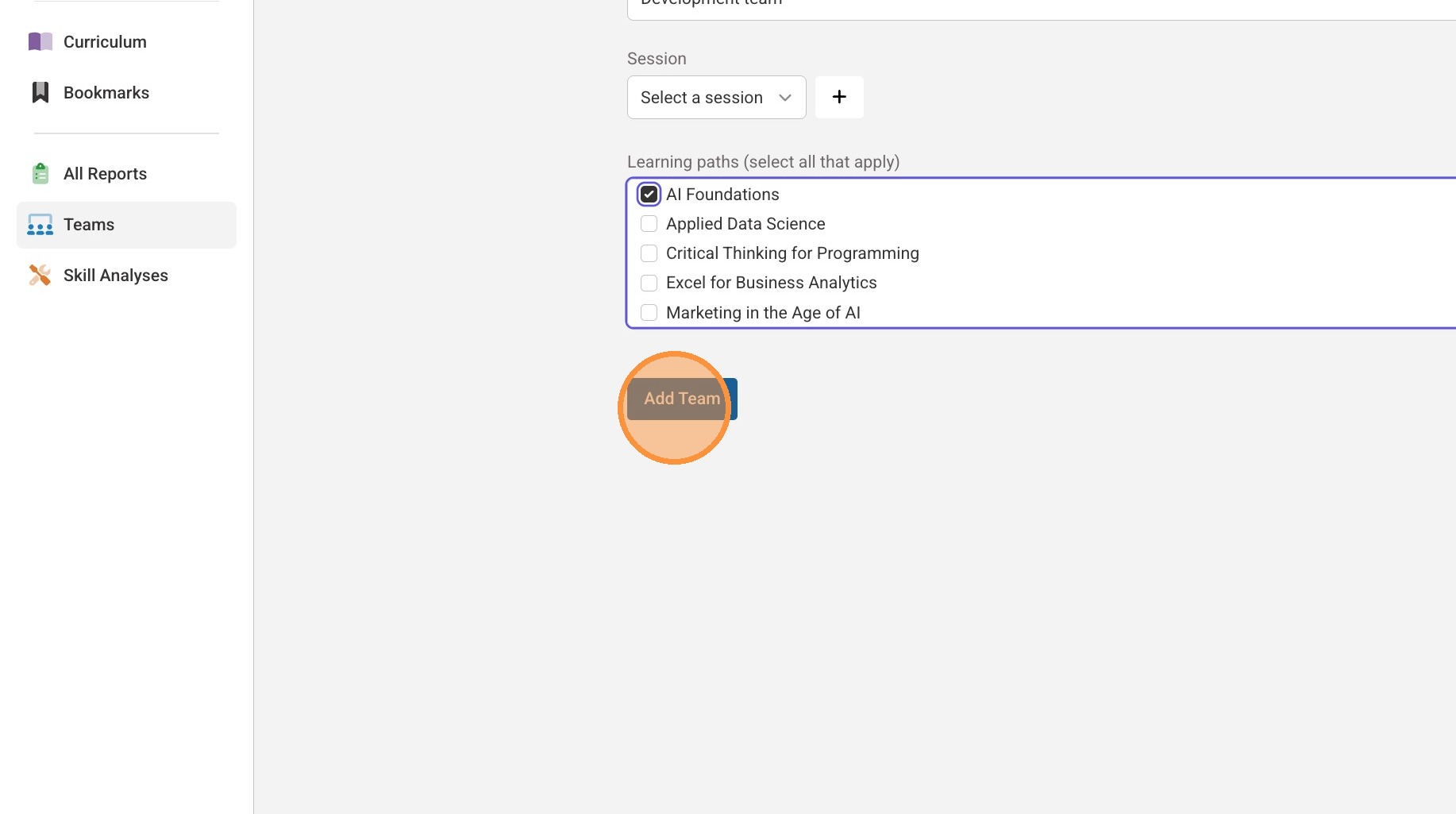
8. Select the desired learning paths/trainings for your team.
9. Select "Add Team"
Tip: Once you have created your team you can manage your team in the "Team Members" tab on the left hand side. If you need additional help, "Submit a Ticket" by visiting https://quanthub.freshdesk.com/support/home.
Was this article helpful?
That’s Great!
Thank you for your feedback
Sorry! We couldn't be helpful
Thank you for your feedback
Feedback sent
We appreciate your effort and will try to fix the article