Watch the video below OR scroll down to view the steps listed out instead.
TABLE OF CONTENTS
Video Tutorial:
Step By Step Guide:
Sign in to QuantHub
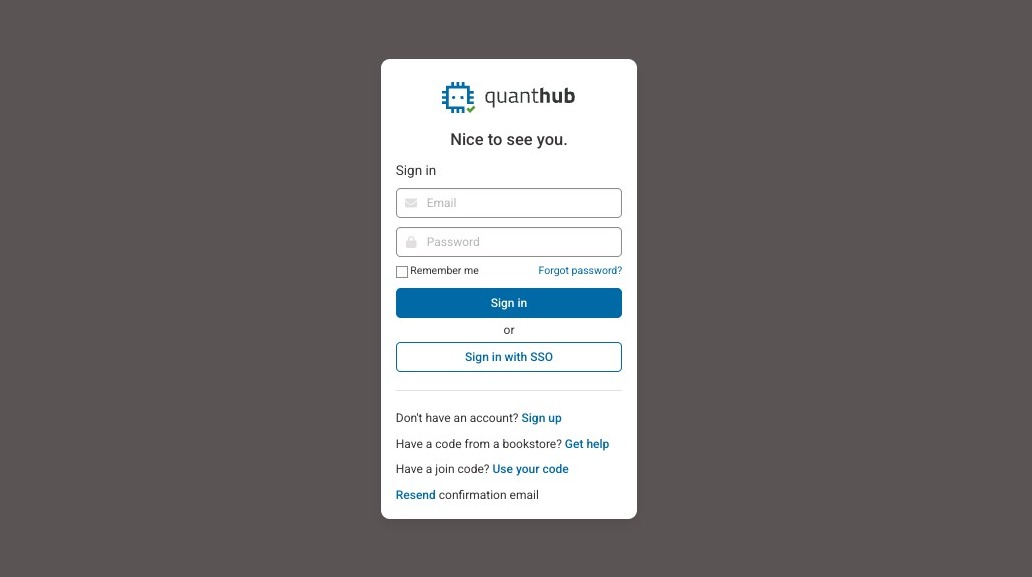
2. Enter your login credentials.
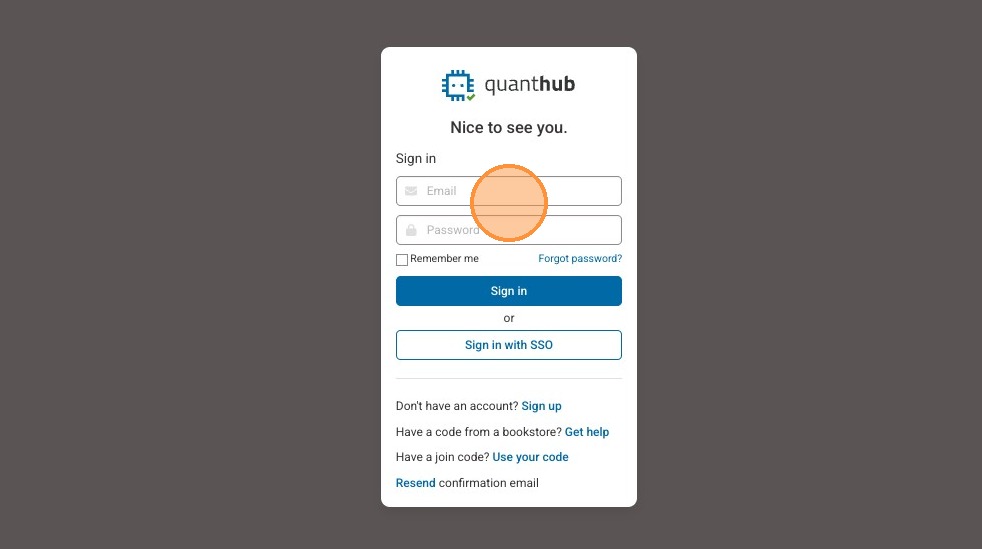
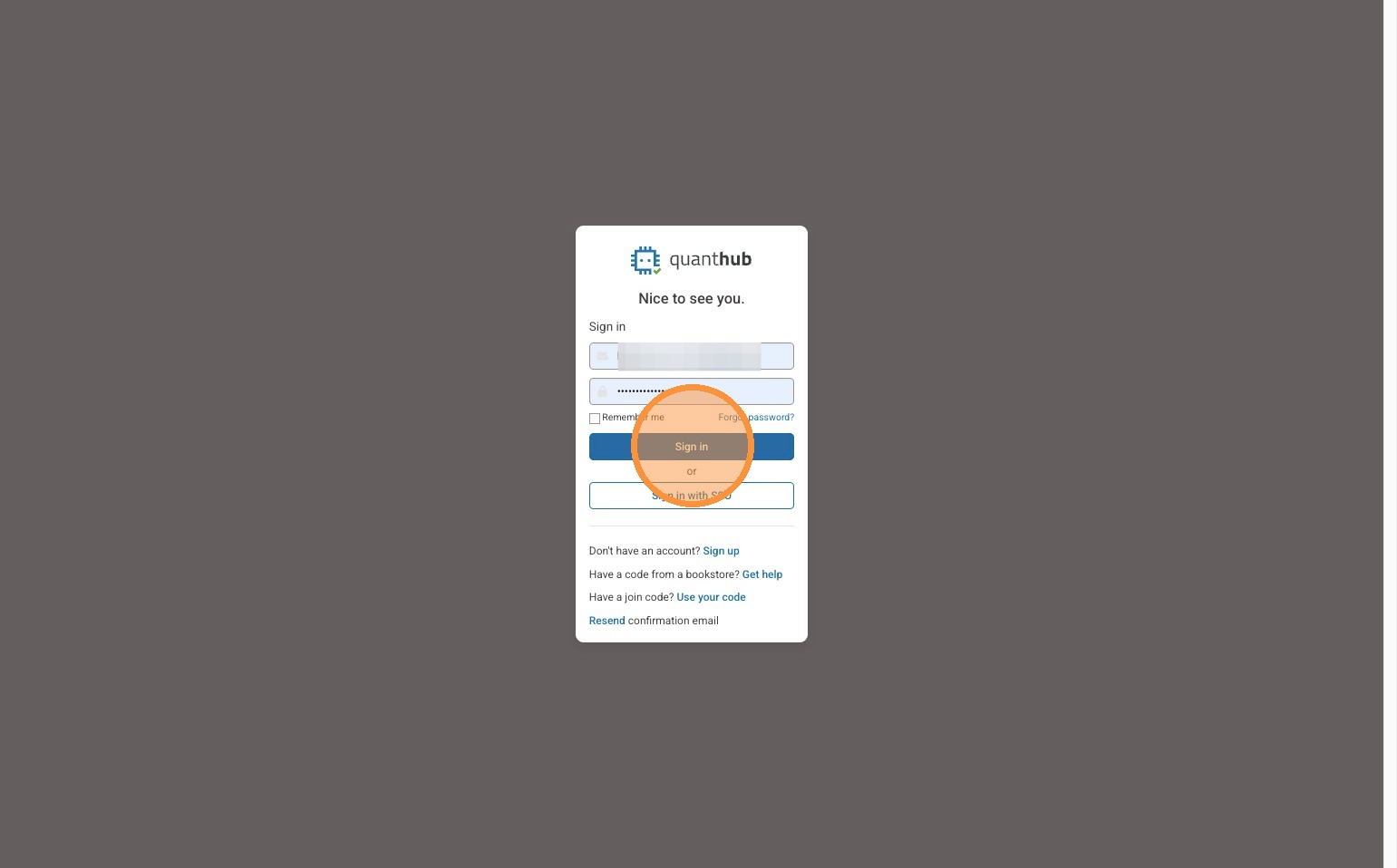
3. Select "Sign in."
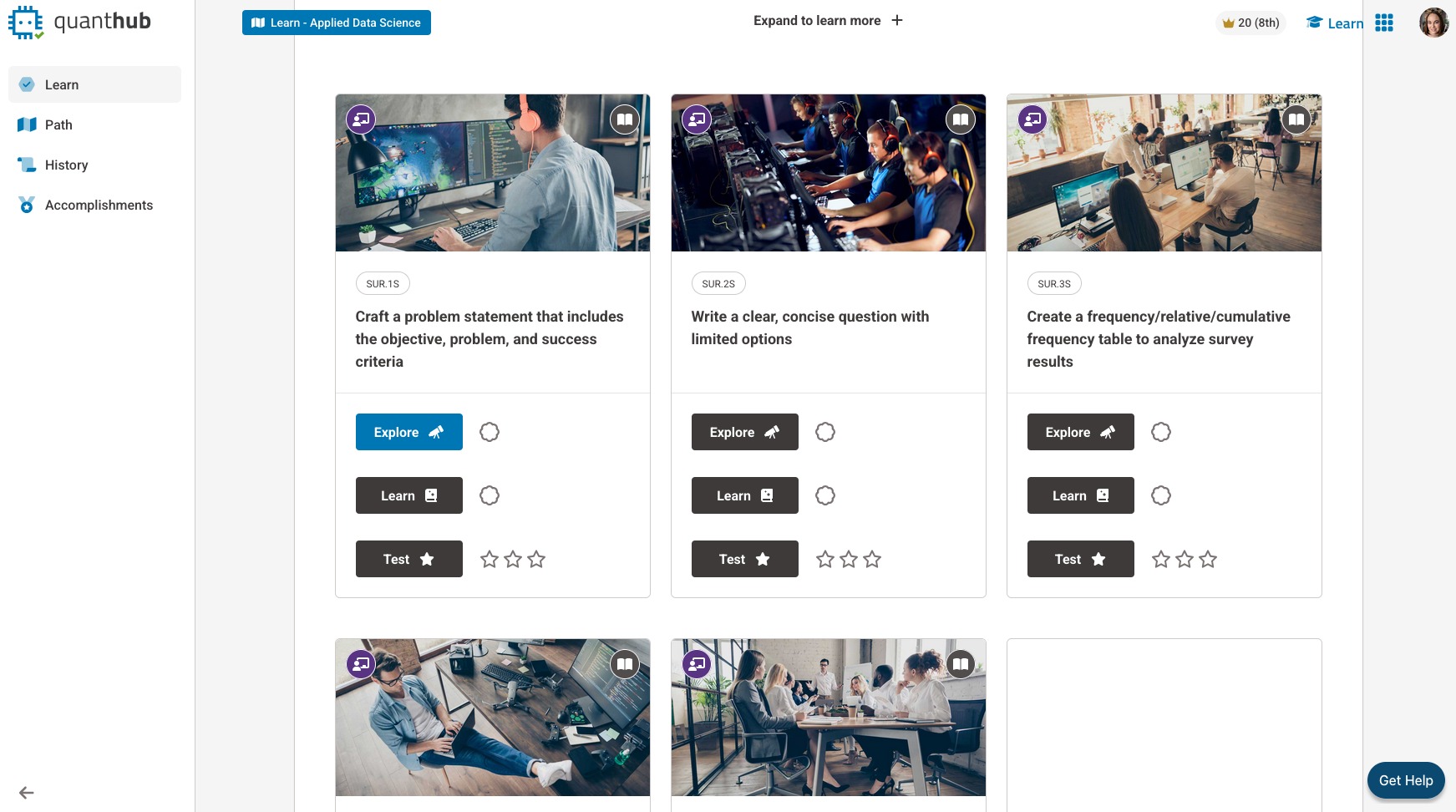
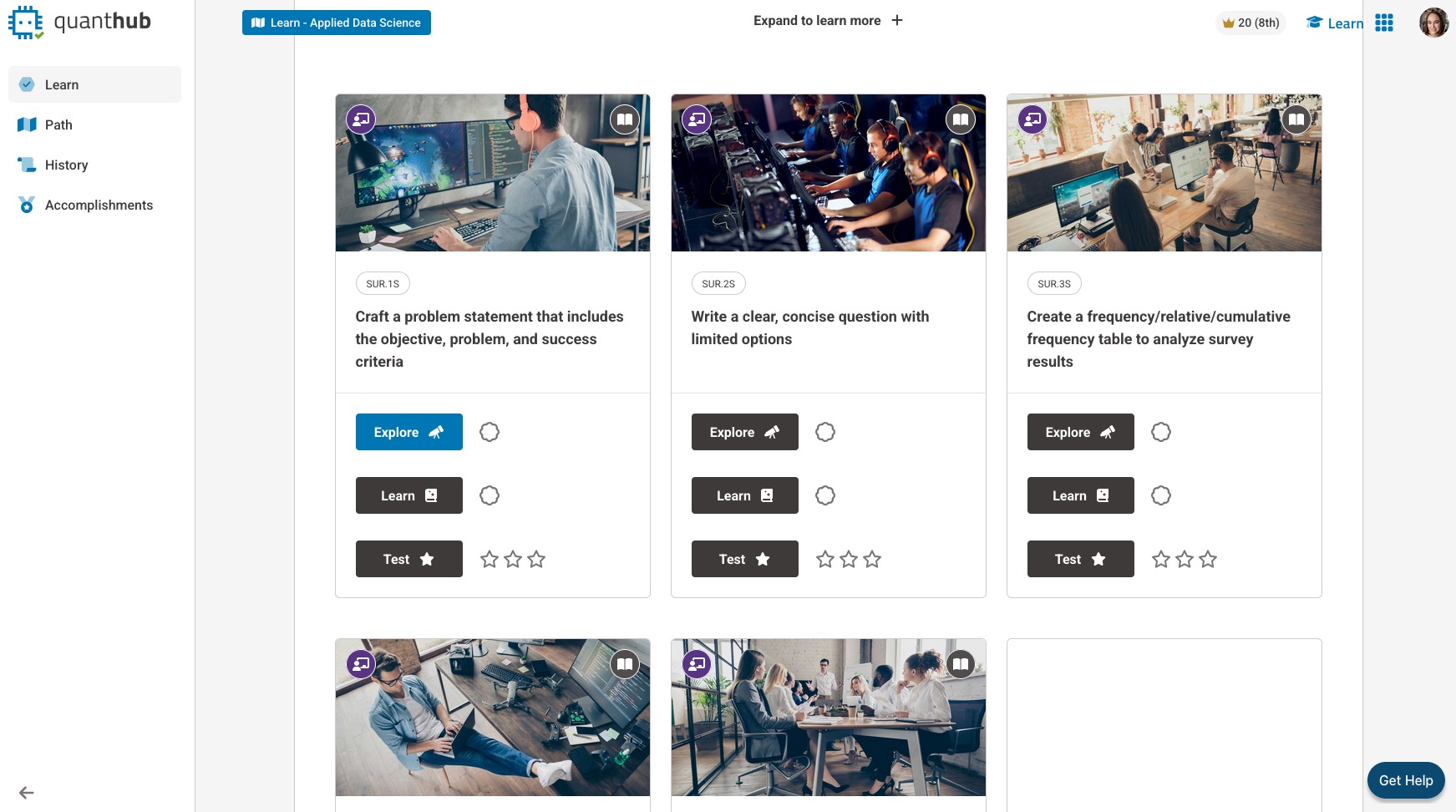
4. You will be dropped into your learning path.
Access and enroll in content
5. To access all available content to you, select the blue square in the top left. It will have your current learning path in the title.
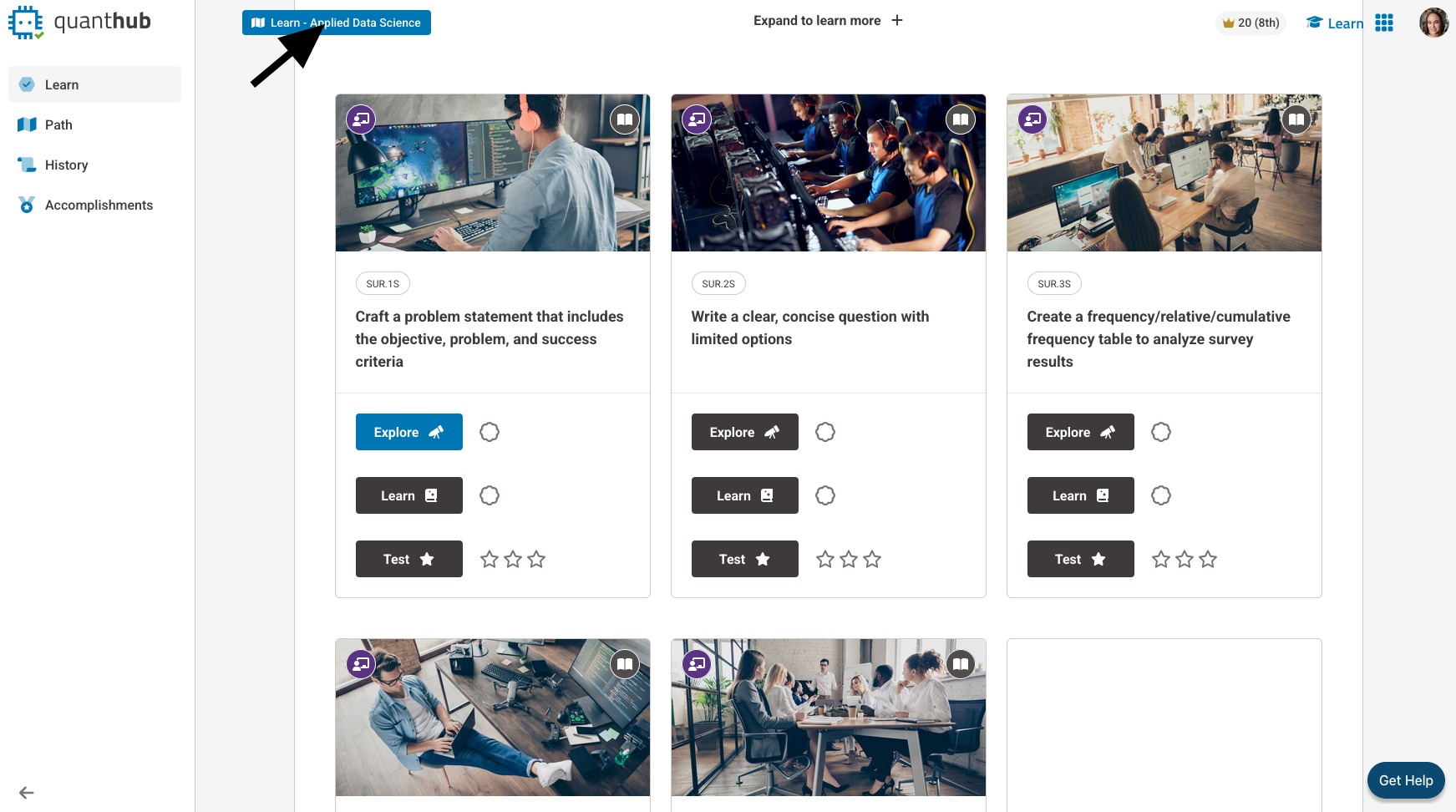
6. When you select this button, you can see all enrolled content, current classes/sections/teams you are enrolled in, and "Learn something new."
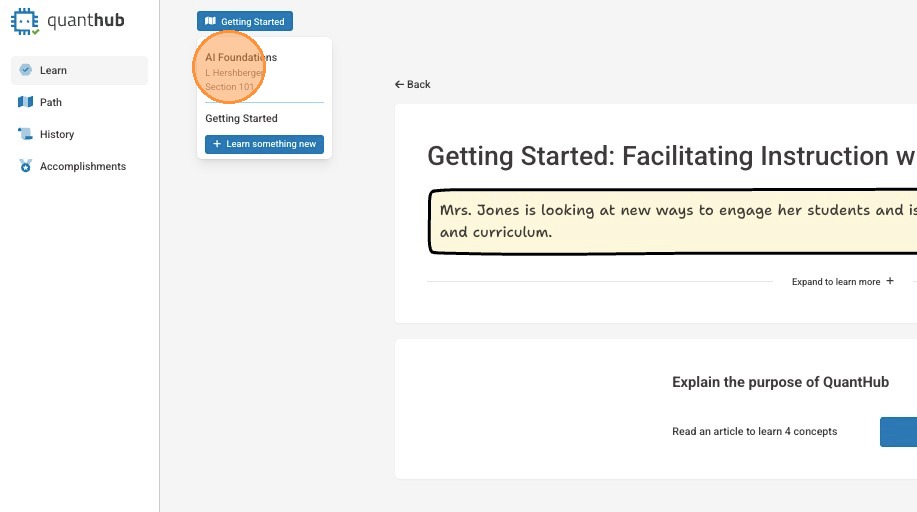
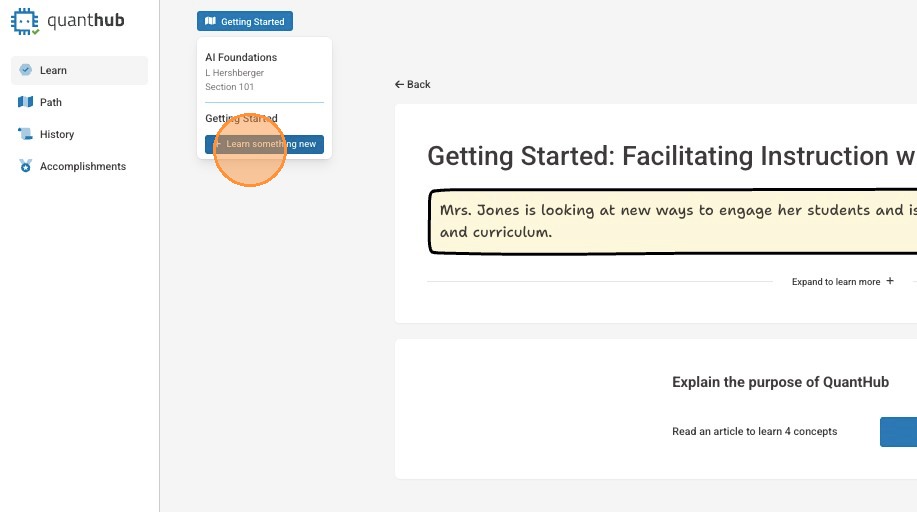
7. Select "Learn something new" to be taken to all available enrollable content.
8. Select "+ Add" for the course in which you wish to enroll.
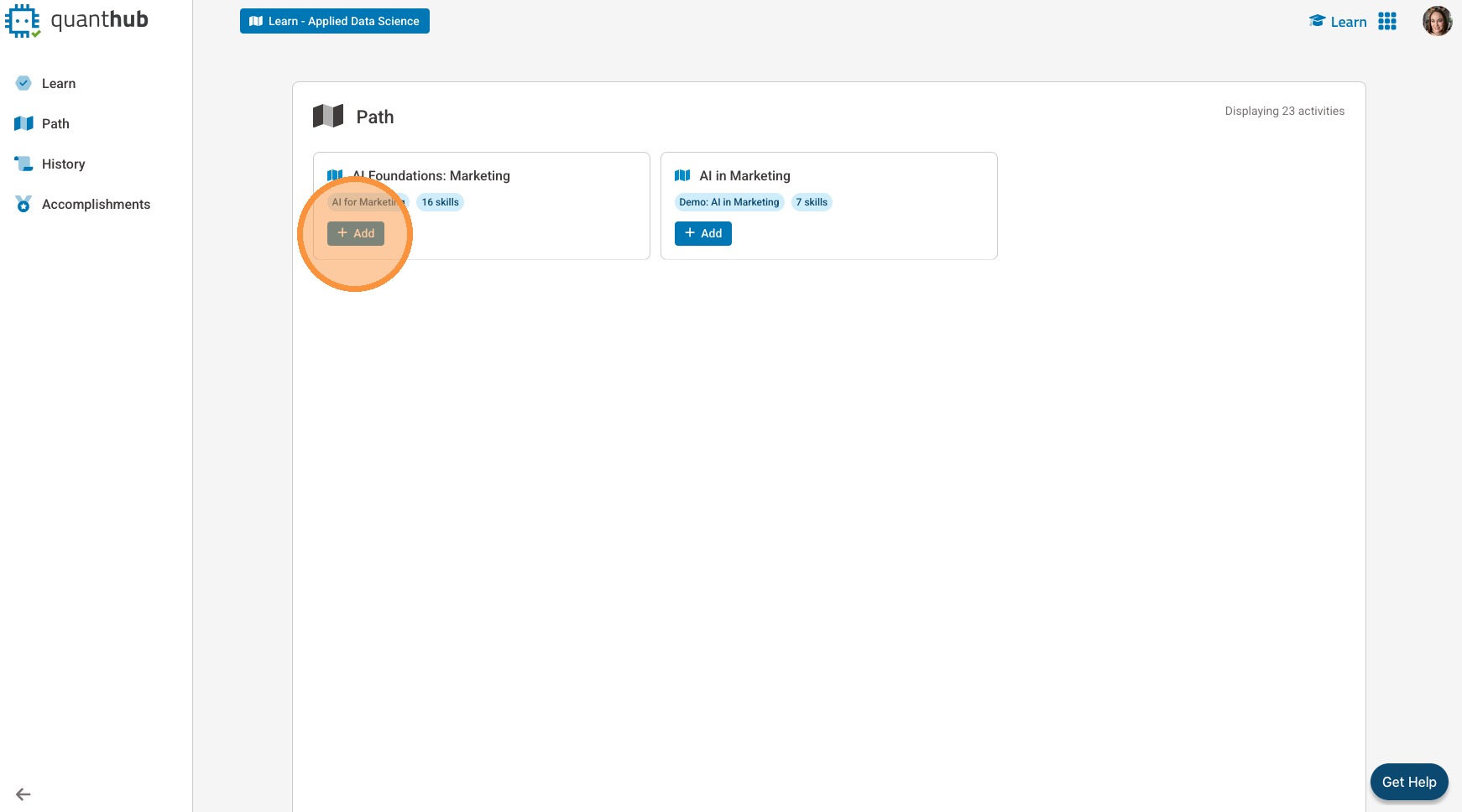
9. You will automatically be taken into the learning path.
Was this article helpful?
That’s Great!
Thank you for your feedback
Sorry! We couldn't be helpful
Thank you for your feedback
Feedback sent
We appreciate your effort and will try to fix the article