Watch the video below OR scroll down to view the steps listed out instead.
TABLE OF CONTENTS
Video Tutorial:
Step By Step Guide:
View my certificates
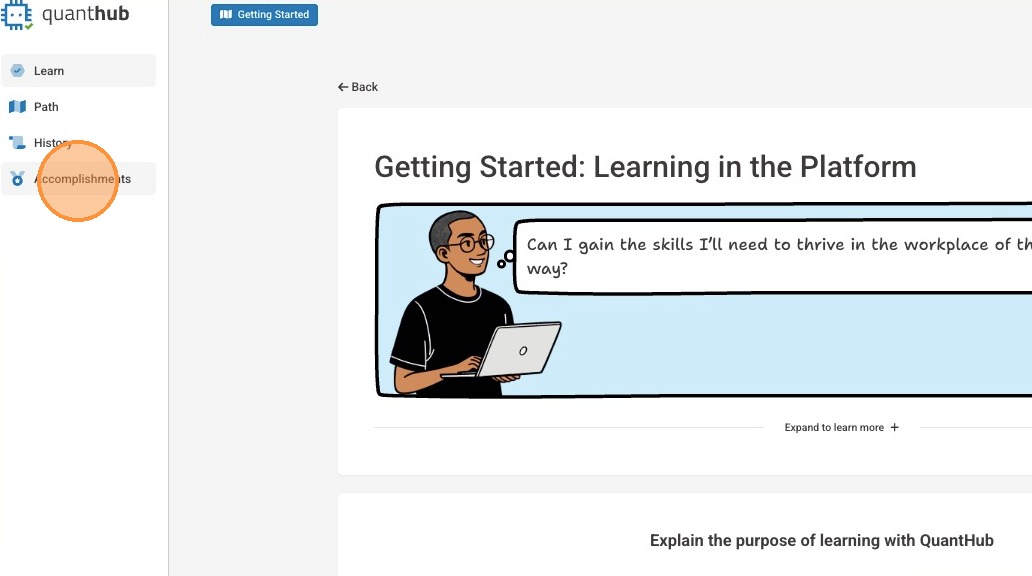
1. Select "Accomplishments" from the left-side menu
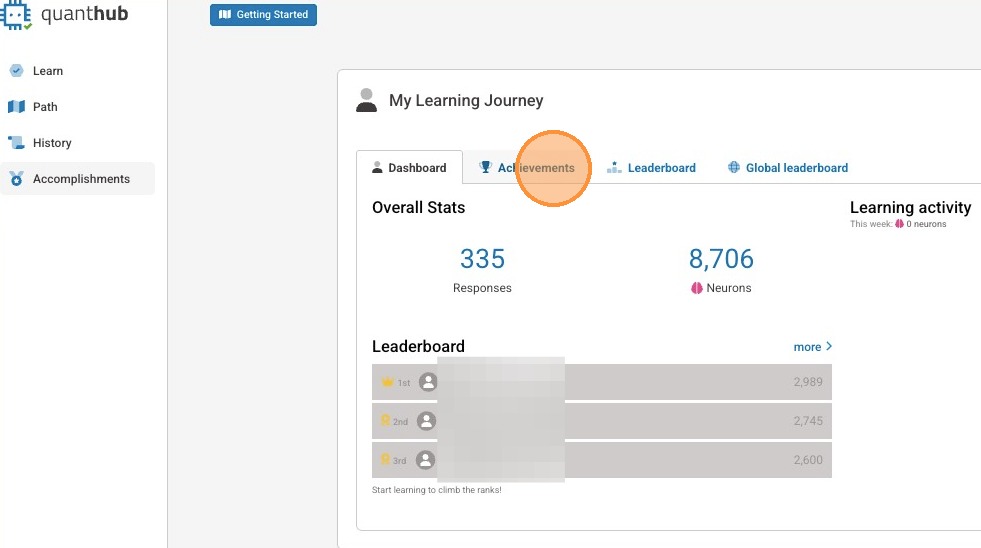
2. Select "Achievements"
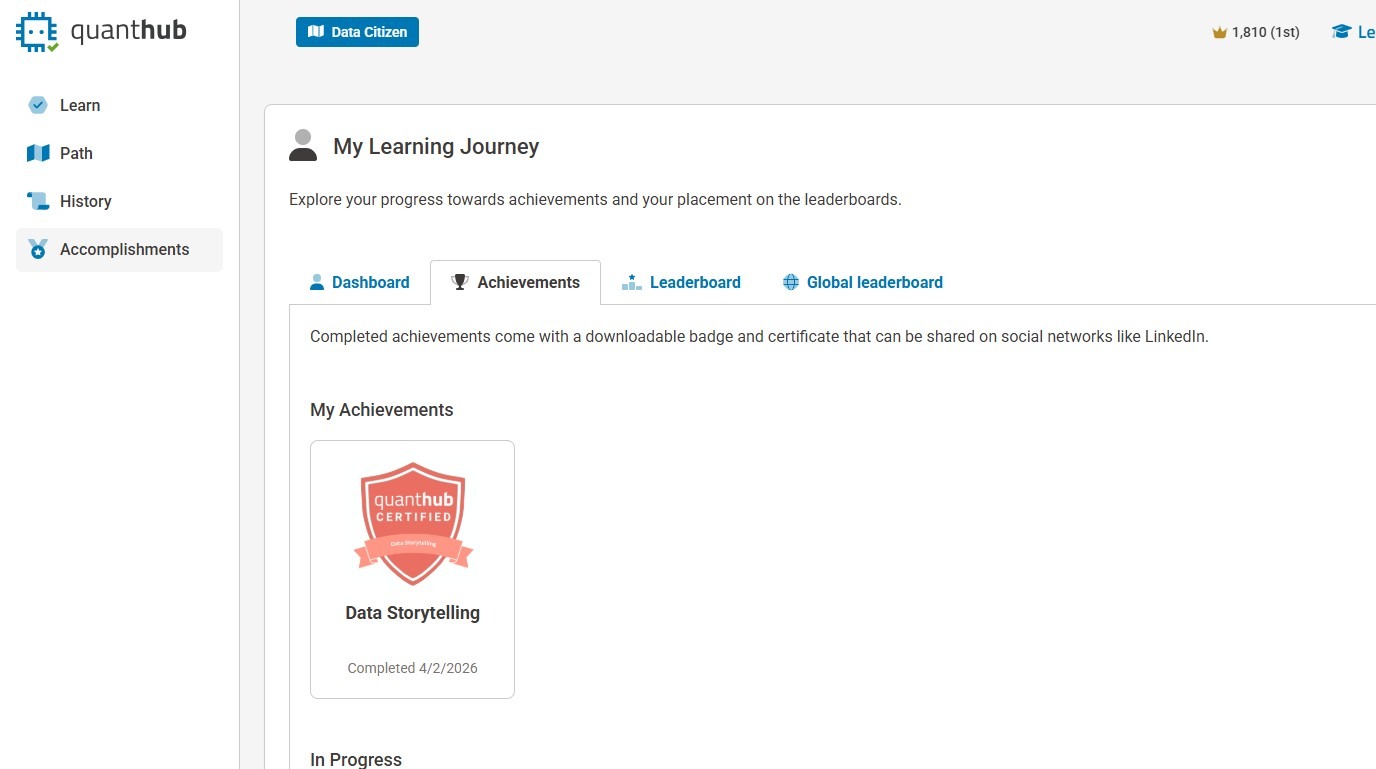
3. Here you will be able to see all earned certificates.
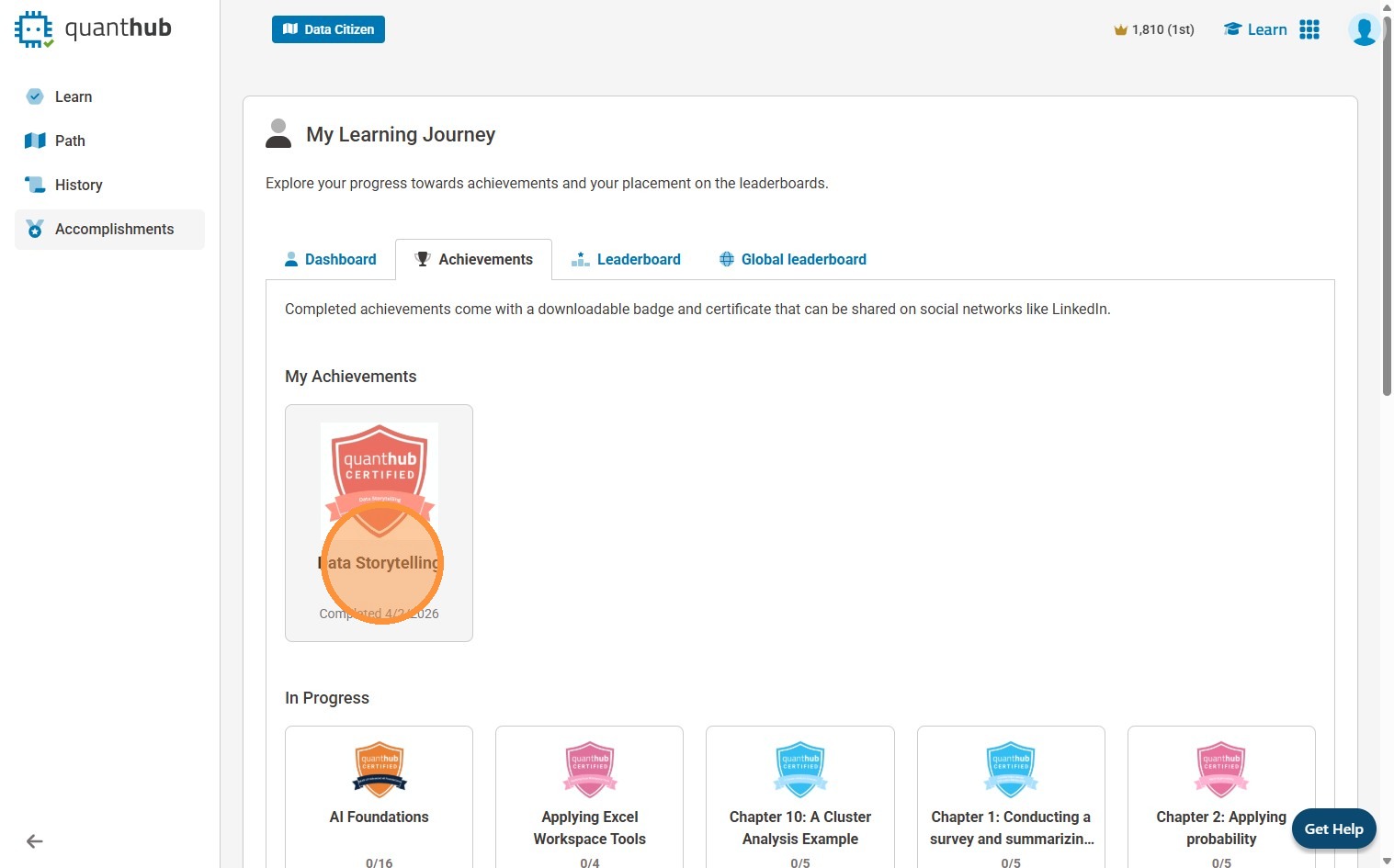
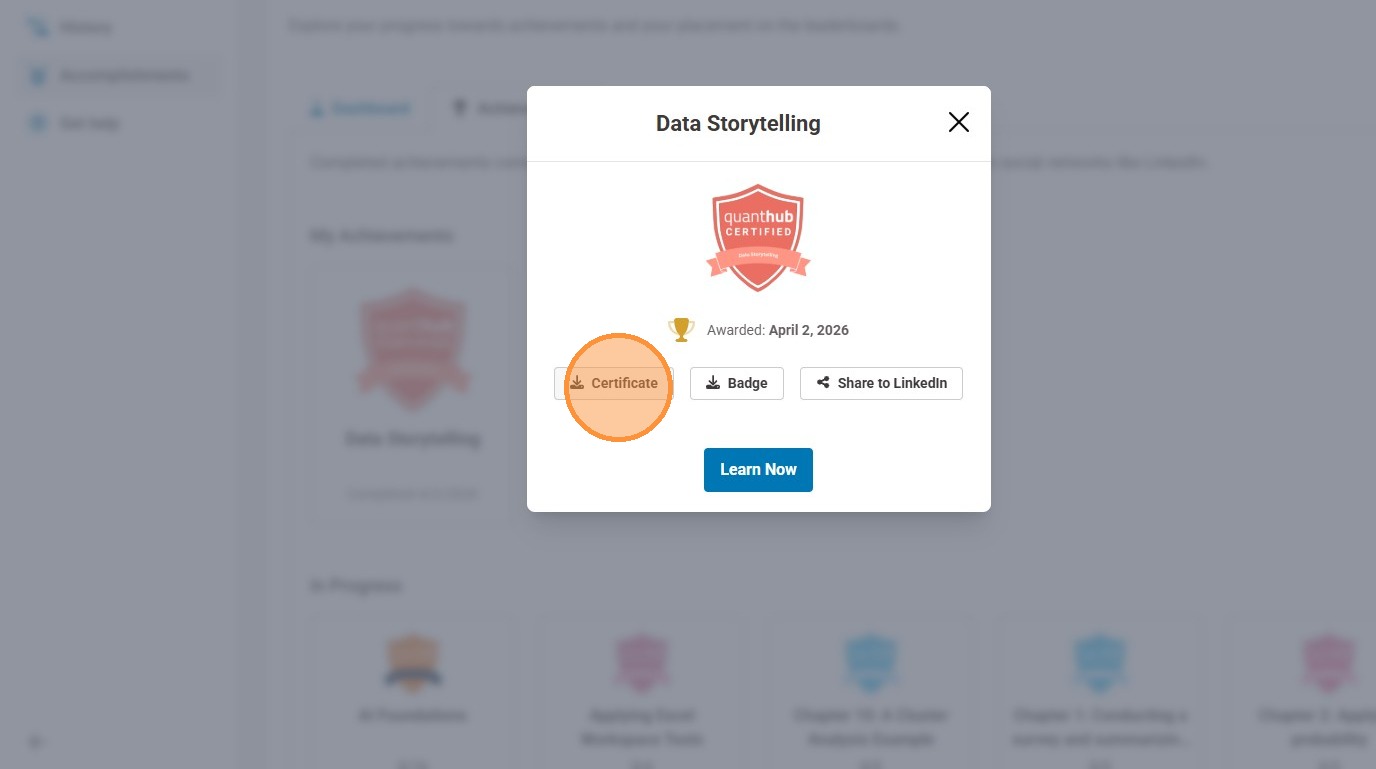
4. Select your achievement to view the associated certificate.
5. Here you can download a PDF of your certificate. The certificate will include your name, date earned, and ID number. You can also select share to LinkedIn to upload directly to that platform.
Was this article helpful?
That’s Great!
Thank you for your feedback
Sorry! We couldn't be helpful
Thank you for your feedback
Feedback sent
We appreciate your effort and will try to fix the article