Watch the video below OR scroll down to view the steps listed out instead.
TABLE OF CONTENTS
- Navigate to your roster
- Student is logged in but forgot their password
- Student is added but not registered
- Student has an unconfirmed account
Video Tutorial:
Step By Step Guide:
Navigate to your roster
1. If you are not already in the Teach app, select your nine-dot menu.
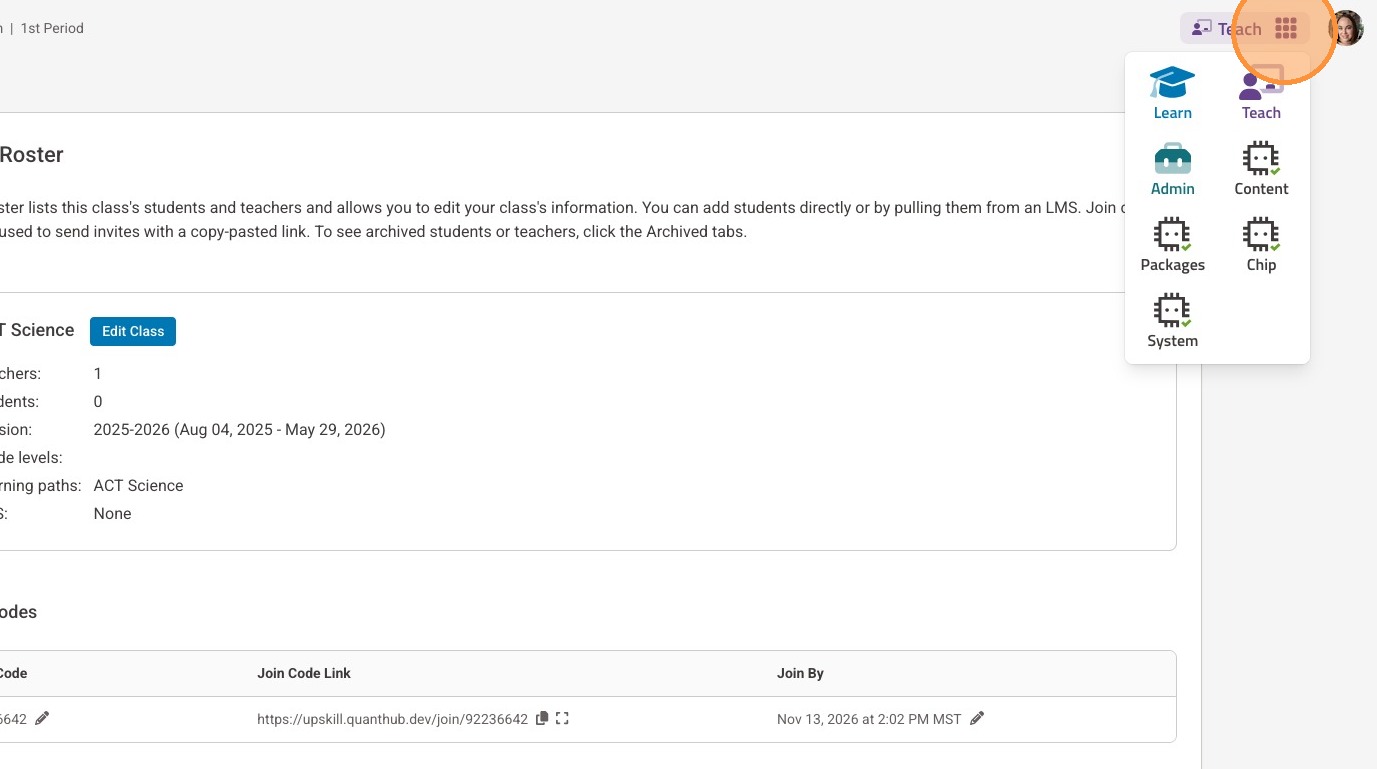
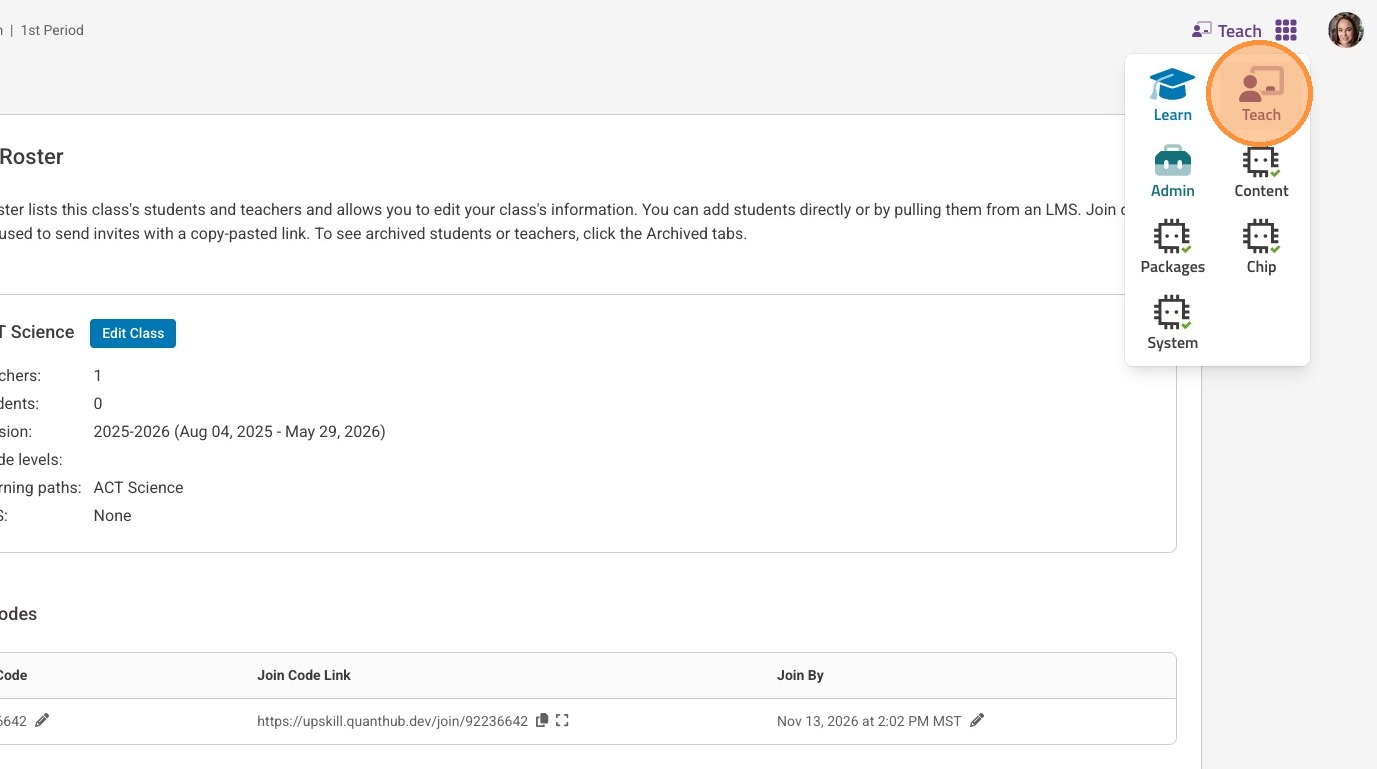
2. Select the "Teach" icon.
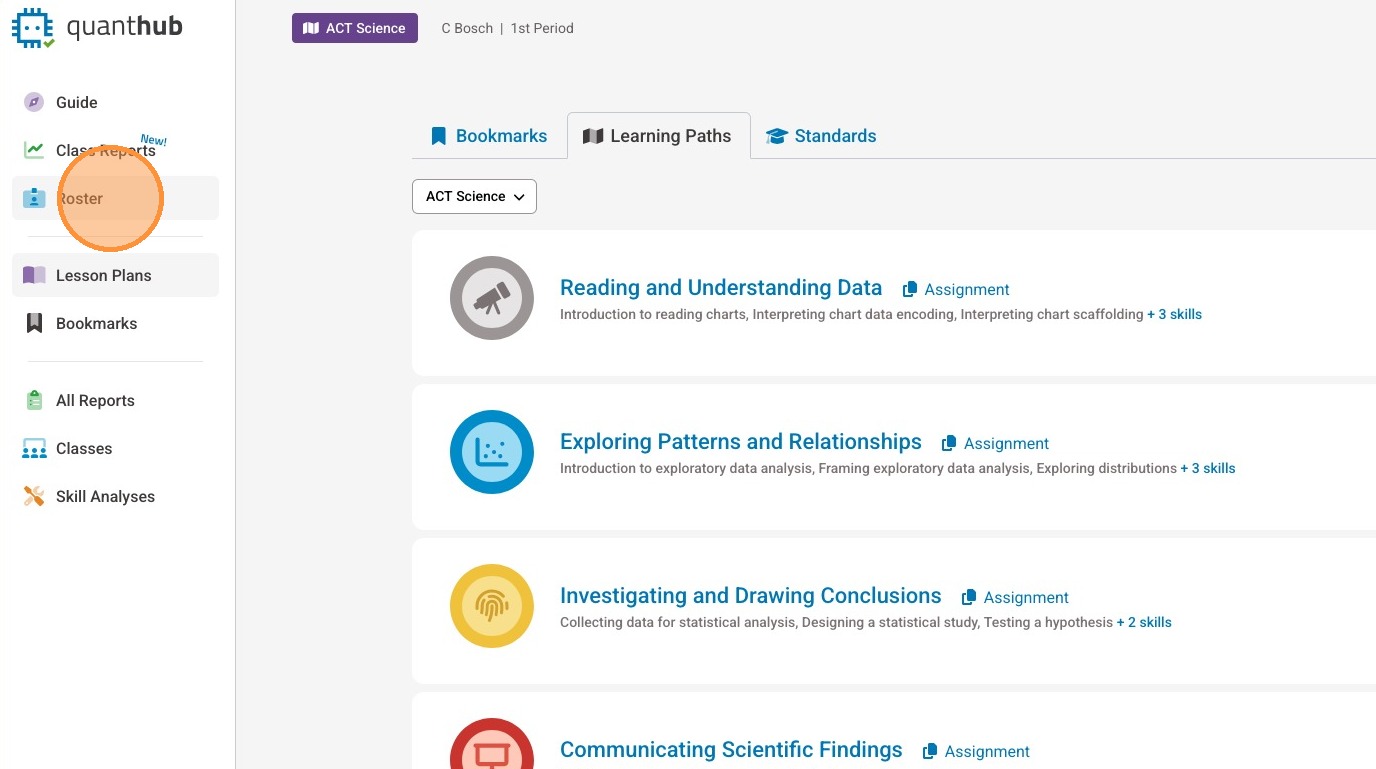
3. Select "Roster" from your left-side menu.
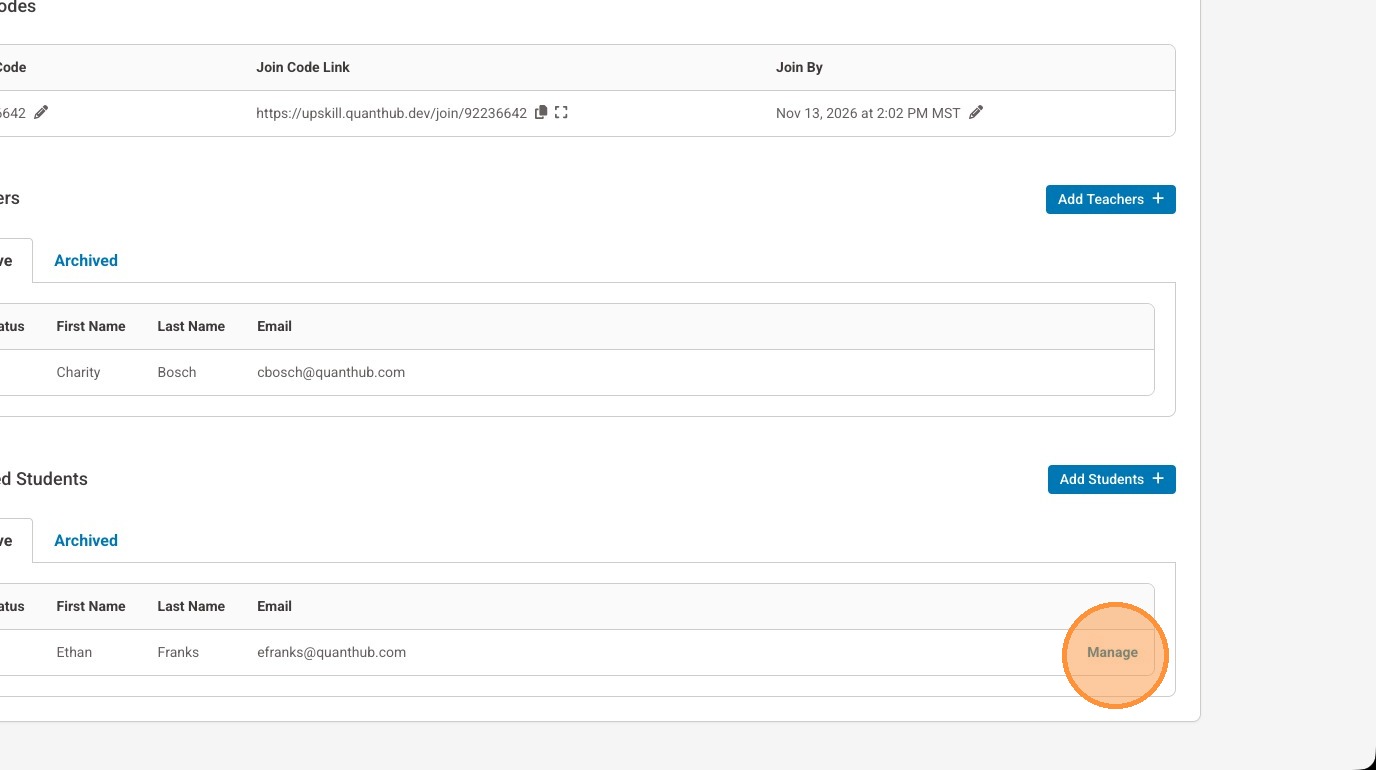
Student is logged in but forgot their password
4. Select "Manage" to the right of the student's name.
5. Select "Copy Reset Password Link"
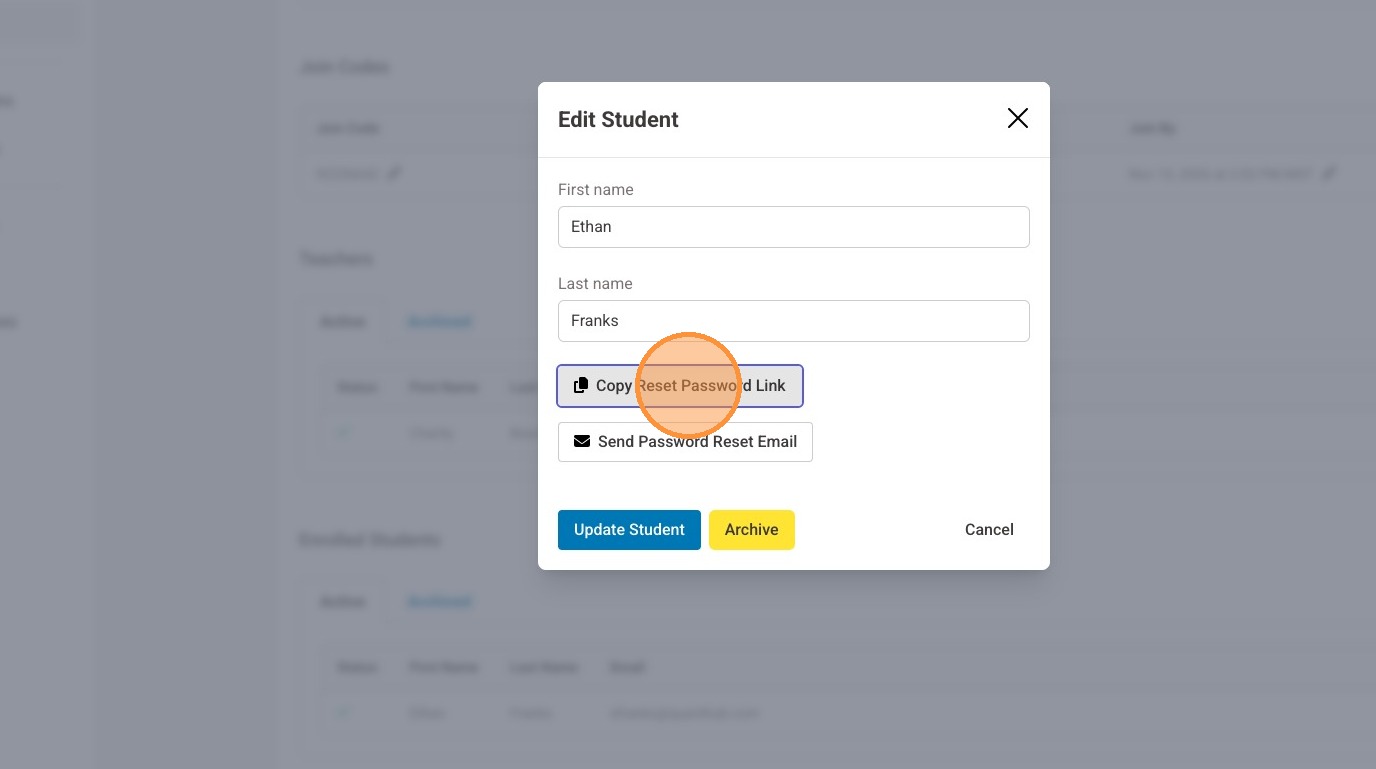
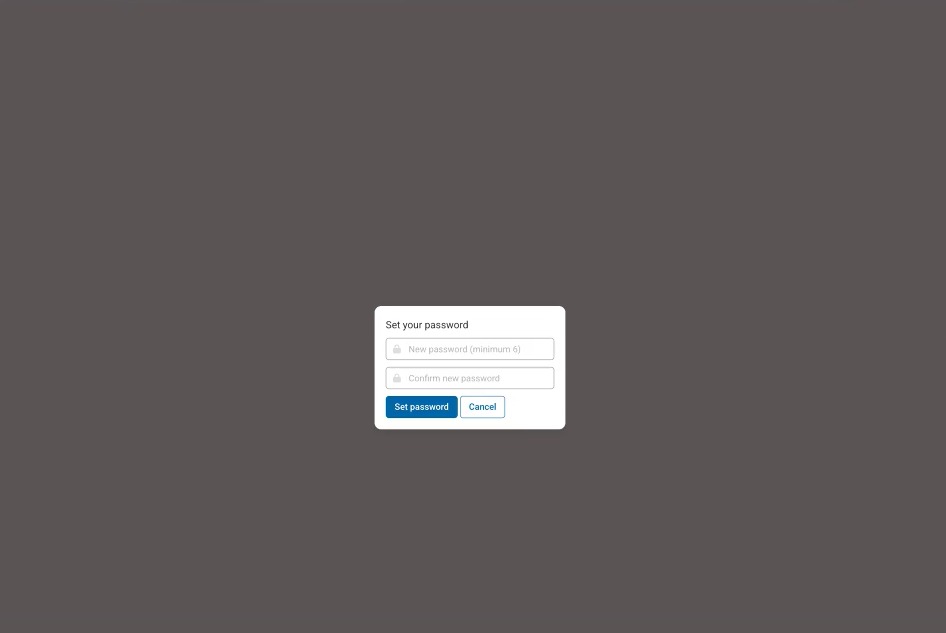
6. Share the link with the student to open in their browser. Then, have them set their new password.
Student is added but not registered
7. Select "Manage" to the right of their name.
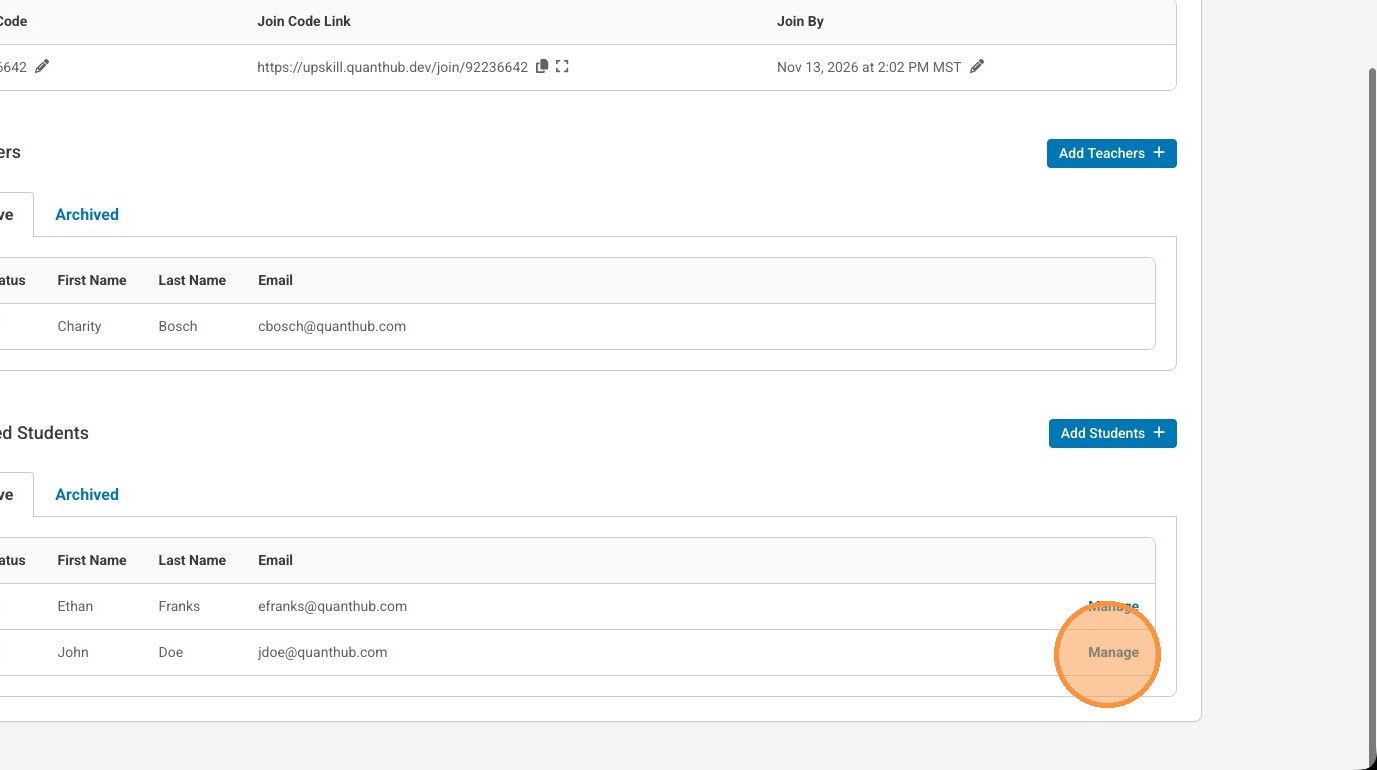
8. Select "Copy Registration Link"
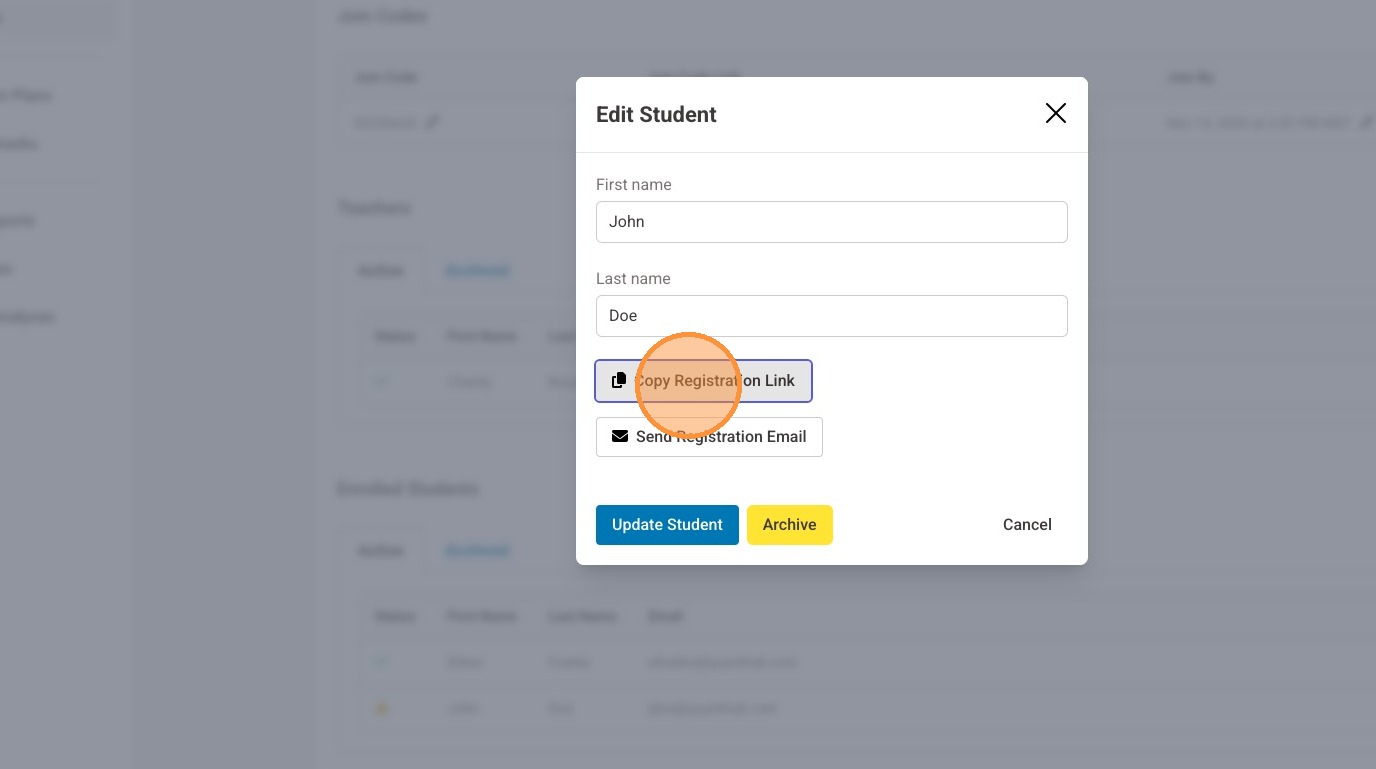
9. Share the link with the student to open in their browser. Then, have them complete their account creation.
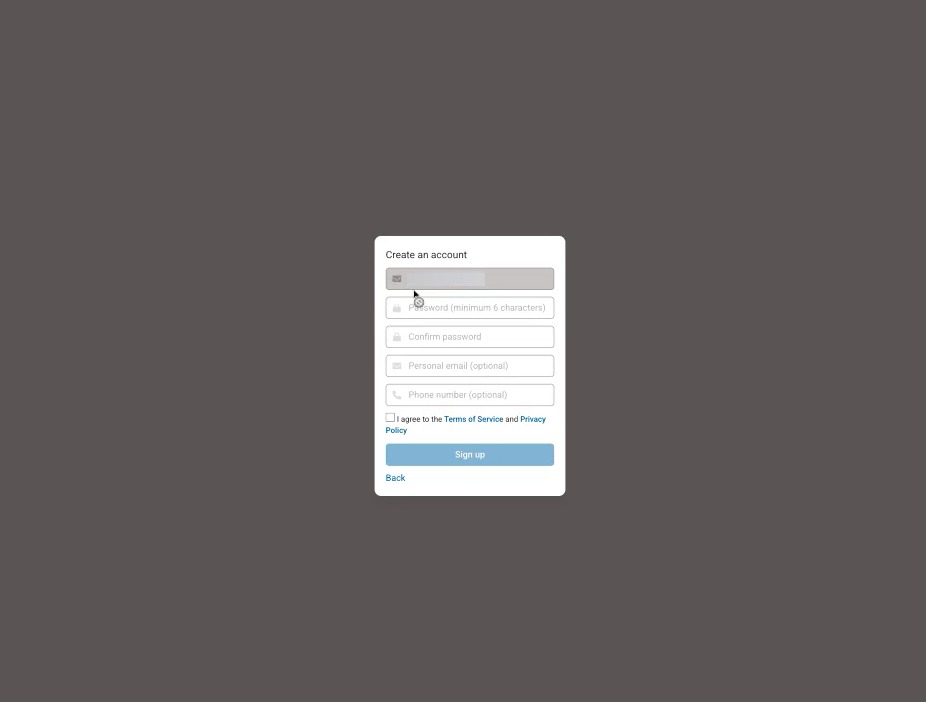
10. The student will see a confirmation once they are complete.

Student has an unconfirmed account
11. Select "Manage" to the right of their name.
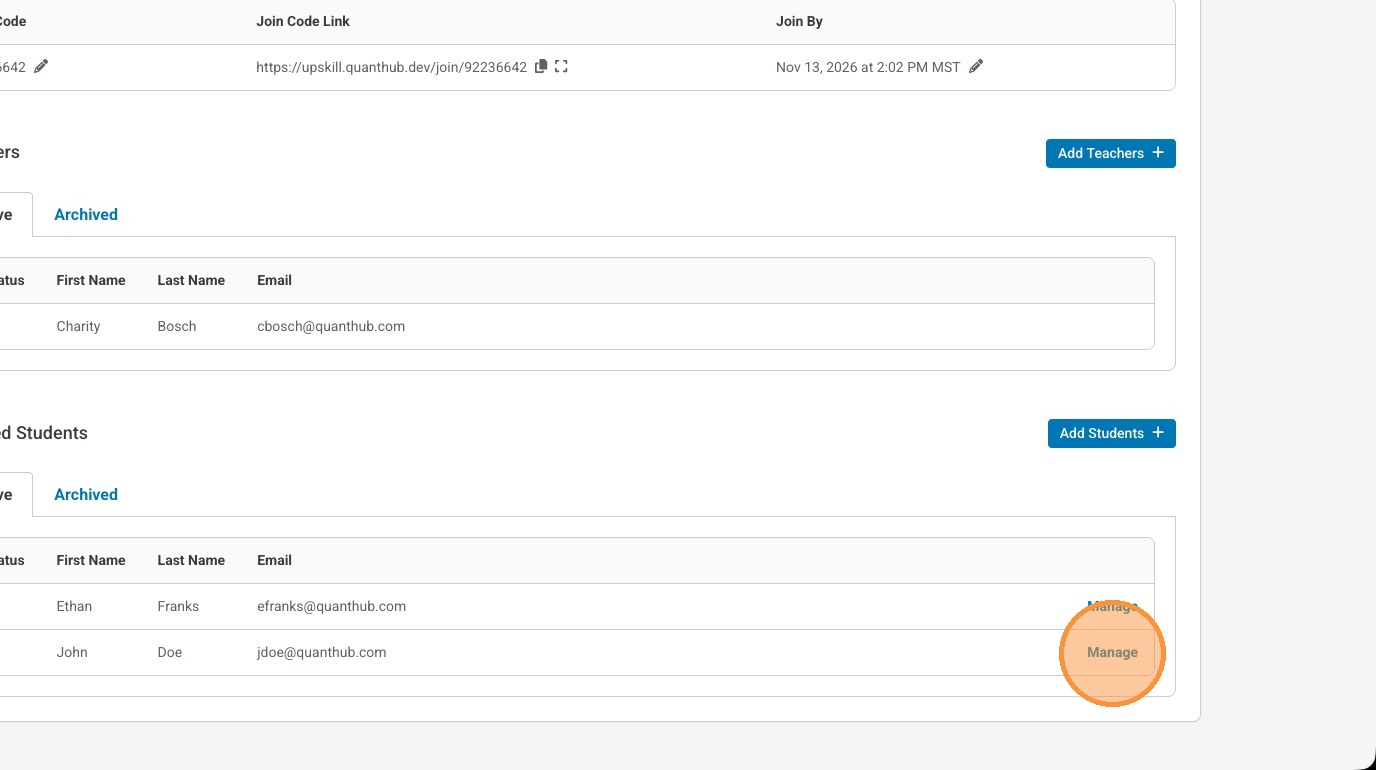
12. Select "Copy Account Confirmation Link"
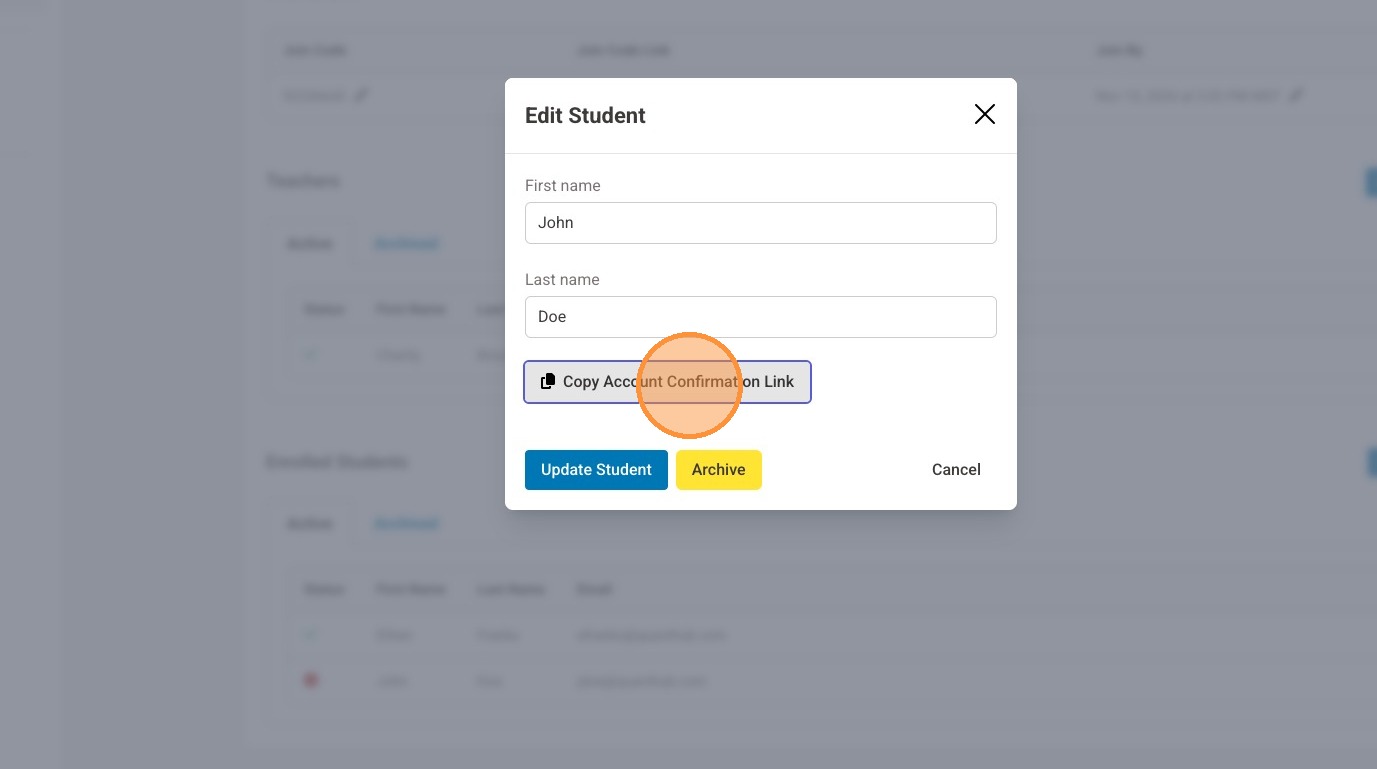
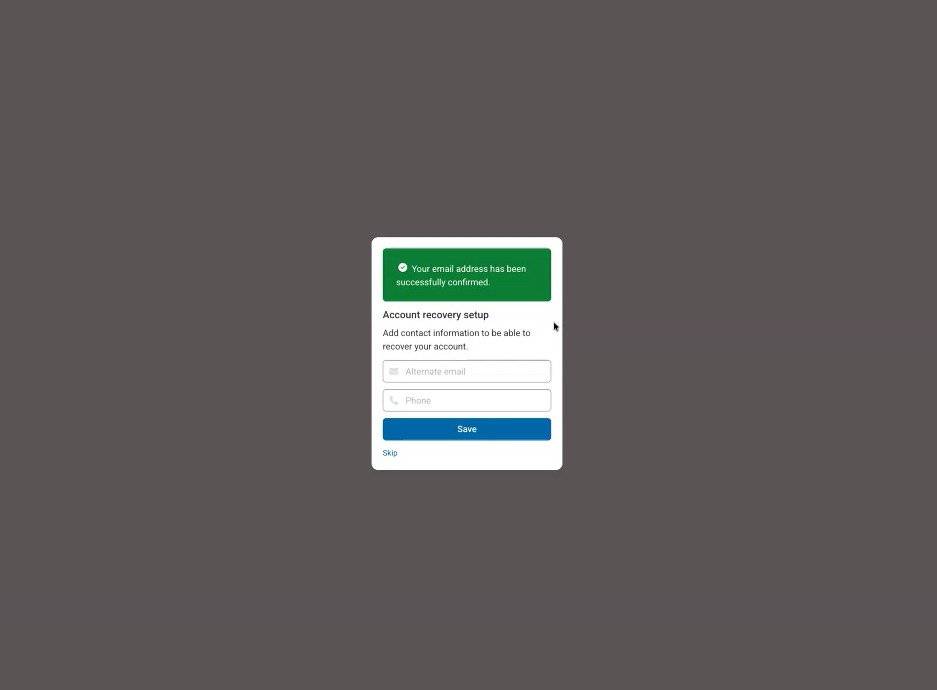
13. Share the link with the student to open in their browser. Then, have them complete their account confirmation.
Was this article helpful?
That’s Great!
Thank you for your feedback
Sorry! We couldn't be helpful
Thank you for your feedback
Feedback sent
We appreciate your effort and will try to fix the article