Watch the video below OR scroll down to view the steps listed out instead.
TABLE OF CONTENTS
Video Tutorial:
Step By Step Guide:
Access QuantHub from Blackboard for the first time
1. Select your course in Blackboard.
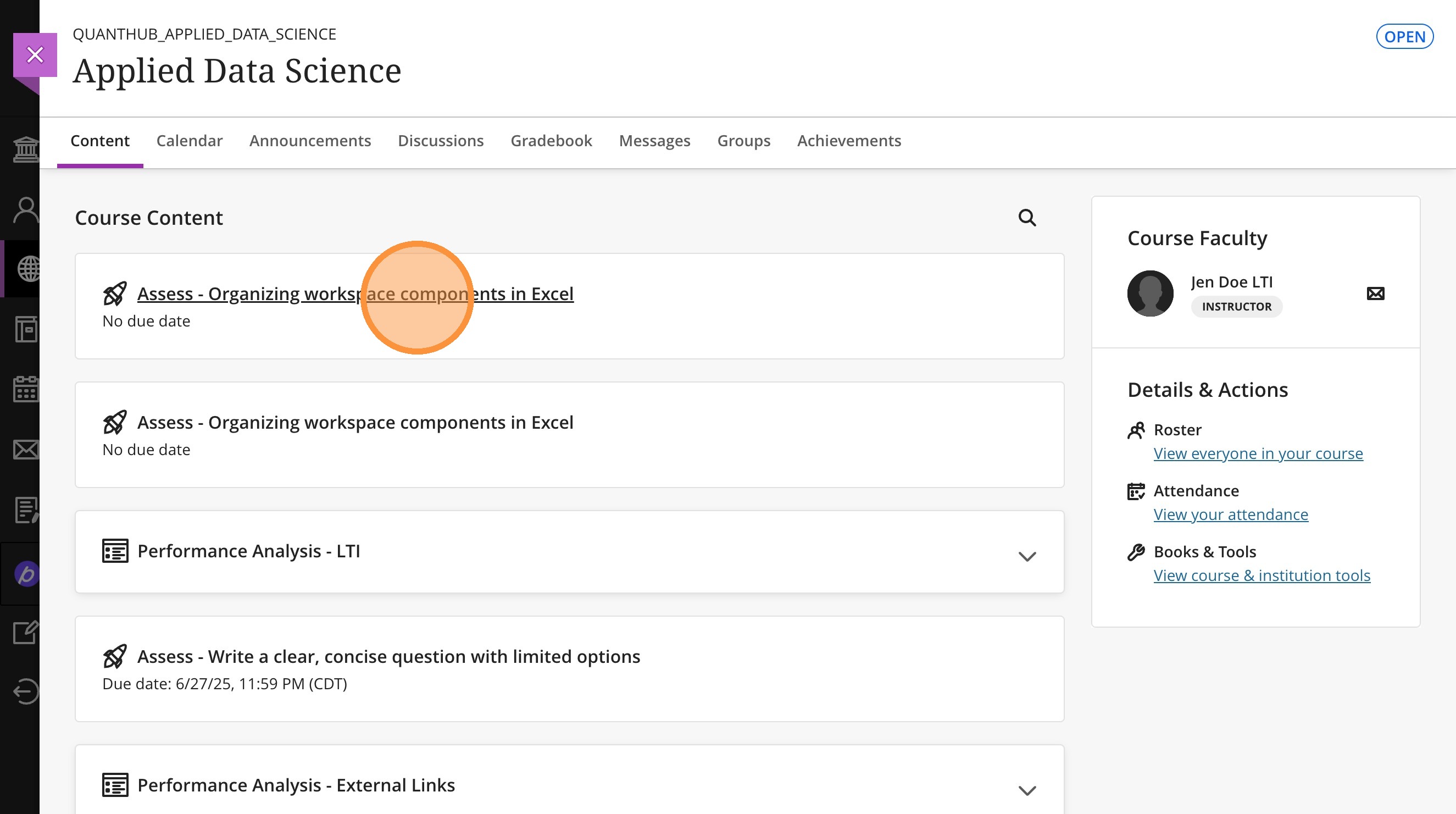
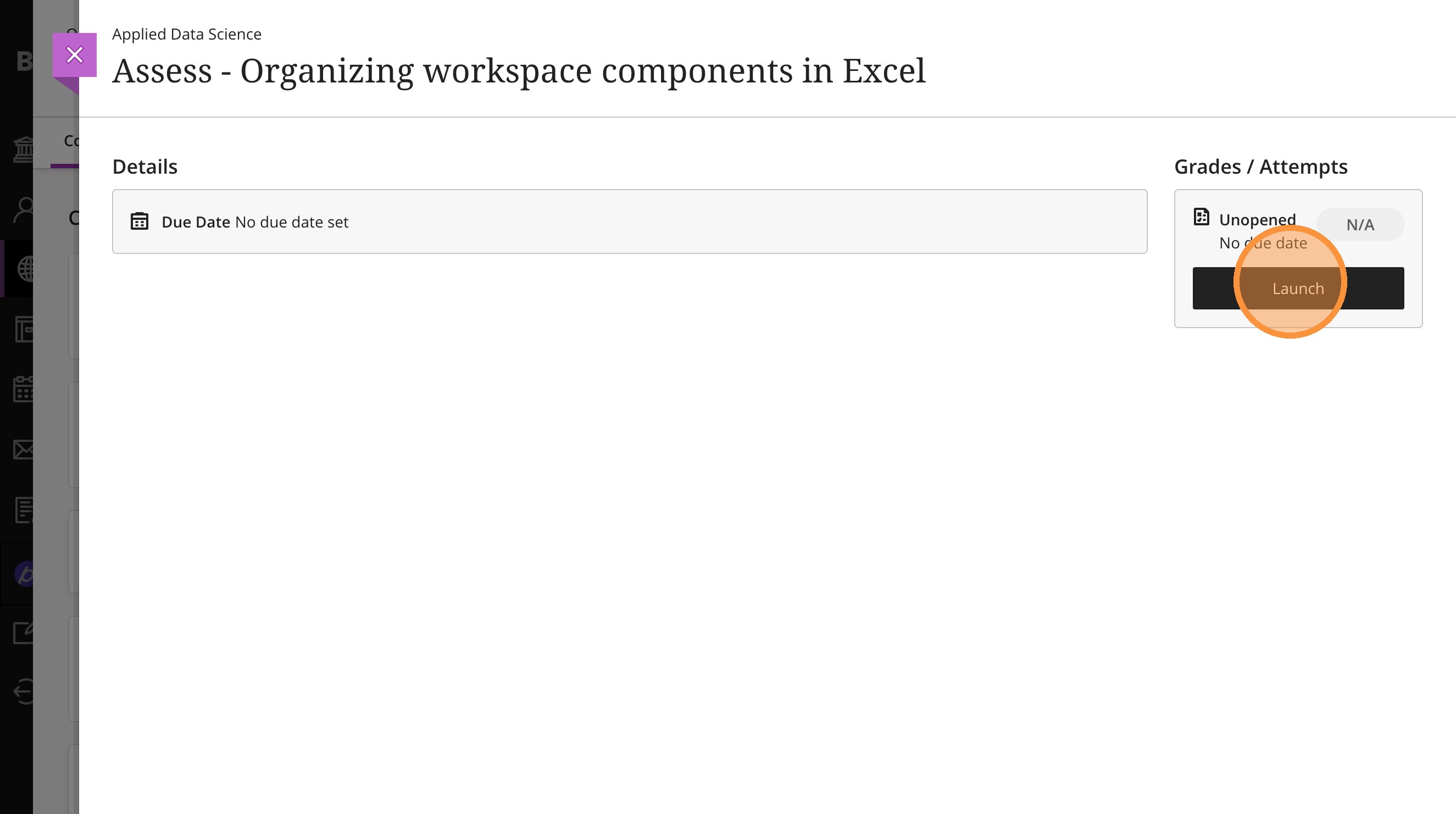
2. Select "Launch"
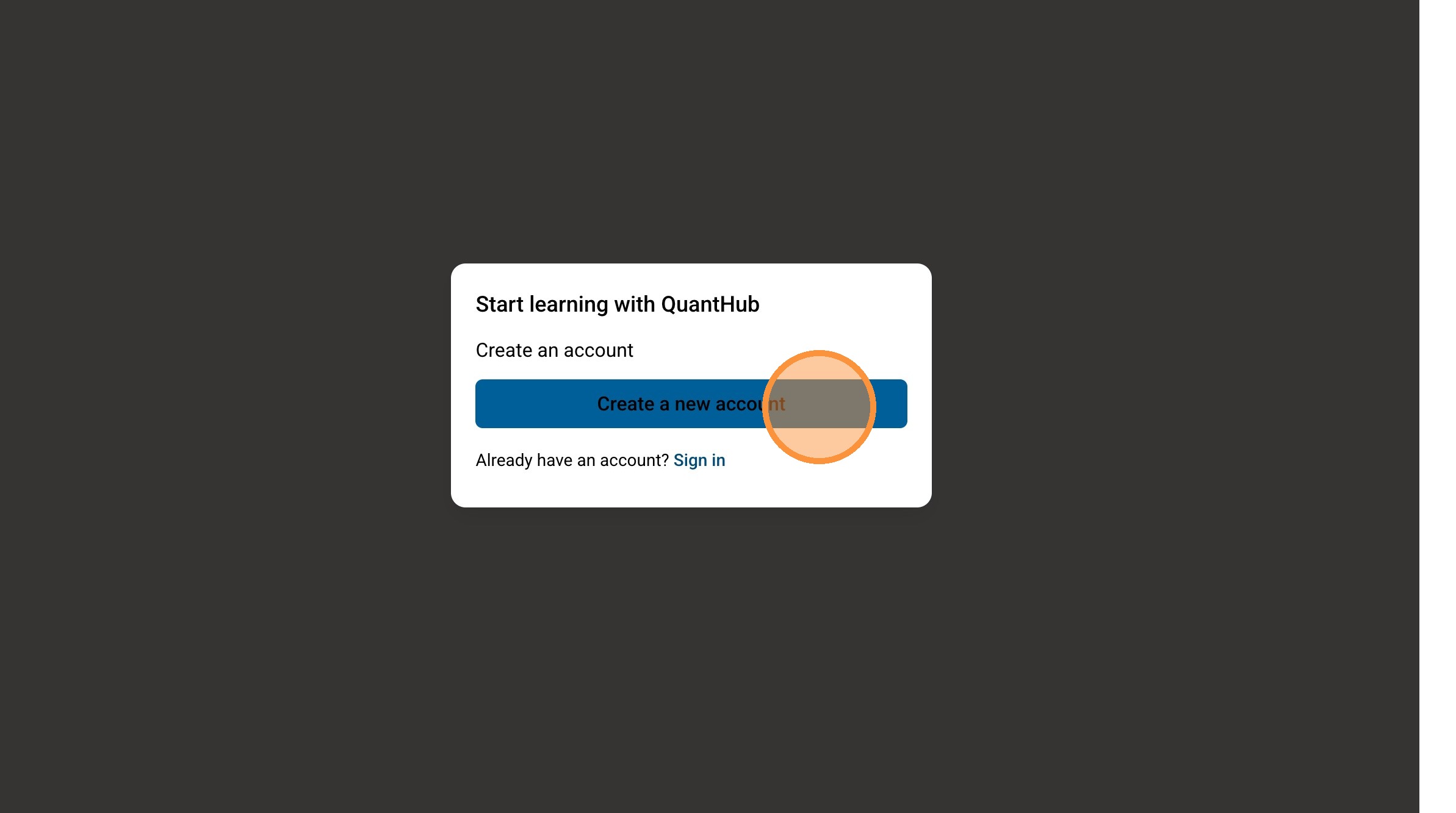
3. Select "Create a new account" if you do not have an existing QuantHub account. If you do have an account, select "sign in" and use your existing QuantHub credentials.
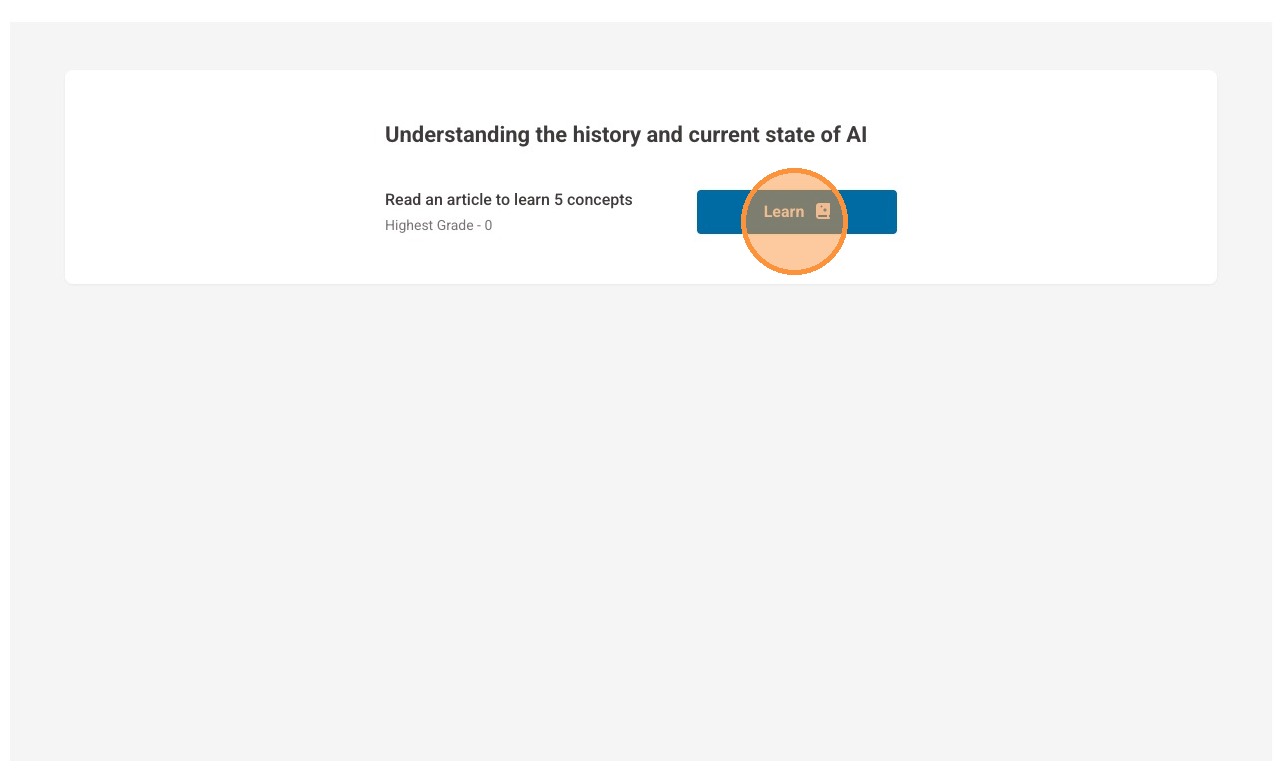
4. You will then be able to see the content and begin your learning.
Was this article helpful?
That’s Great!
Thank you for your feedback
Sorry! We couldn't be helpful
Thank you for your feedback
Feedback sent
We appreciate your effort and will try to fix the article