Watch the video below OR scroll down to view the steps listed out instead.
TABLE OF CONTENTS
Video Tutorial:
Step By Step Guide:
How to use a join code
1. Navigate to your join code URL and verify the section information.
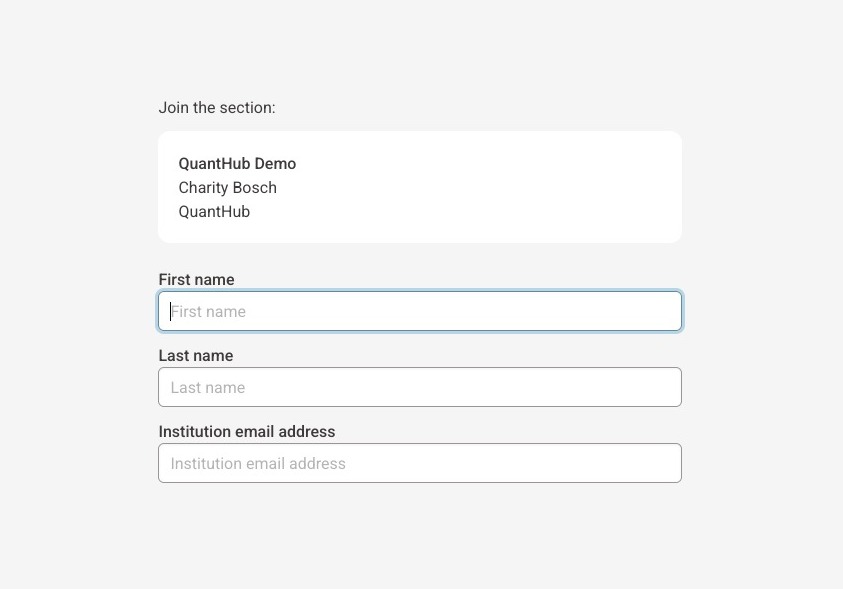
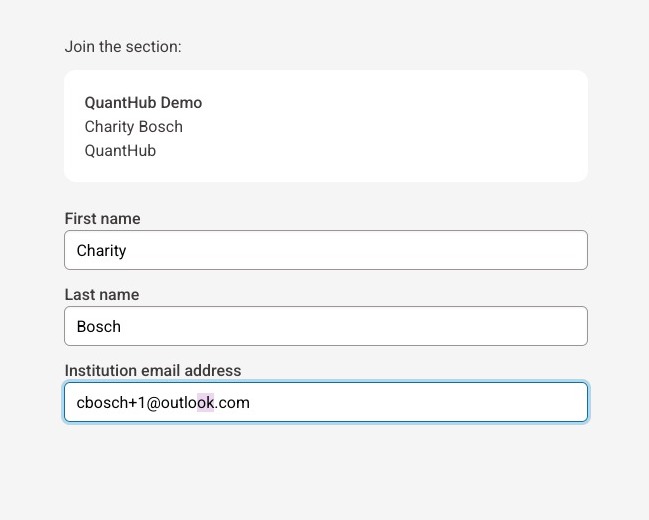
2. Enter your first name, last name, and university email address.
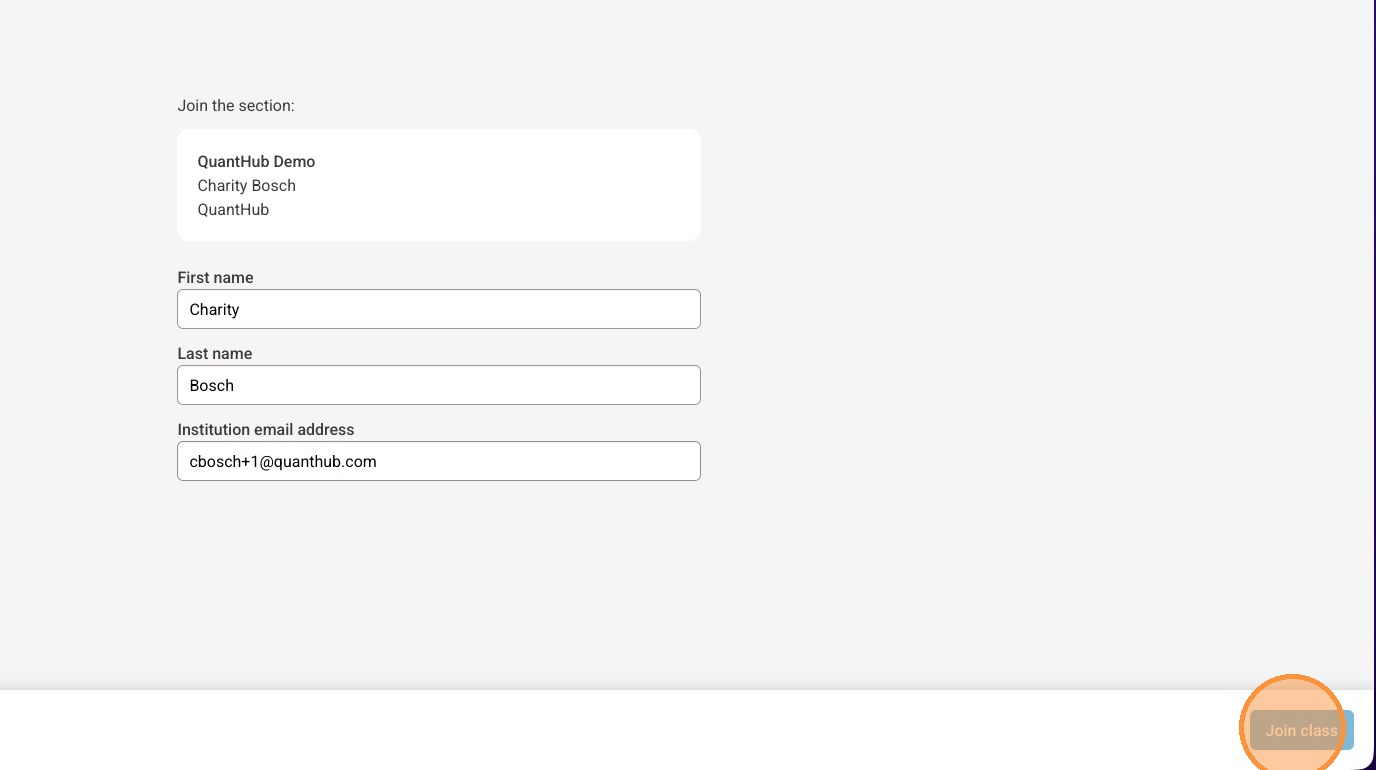
3. Select "Join Class"
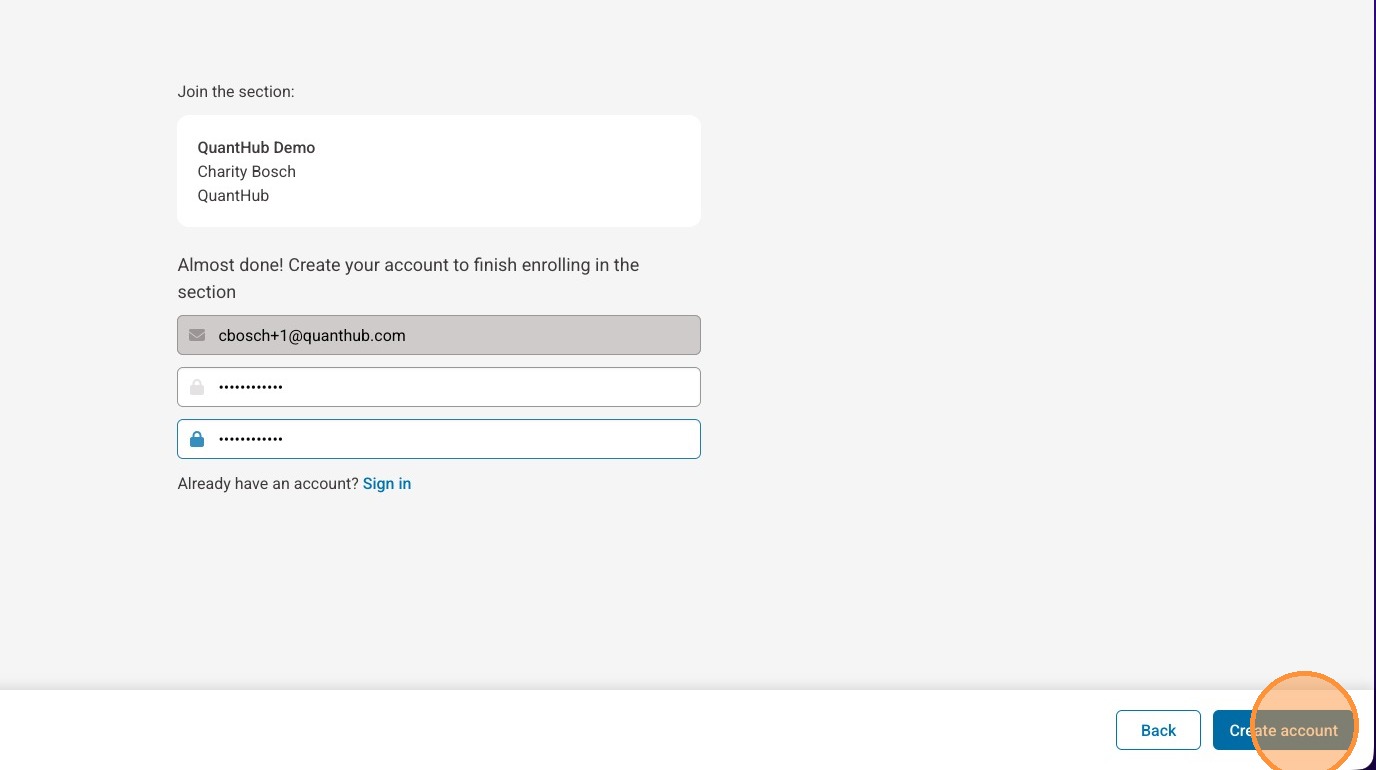
4. Enter your password into both fields
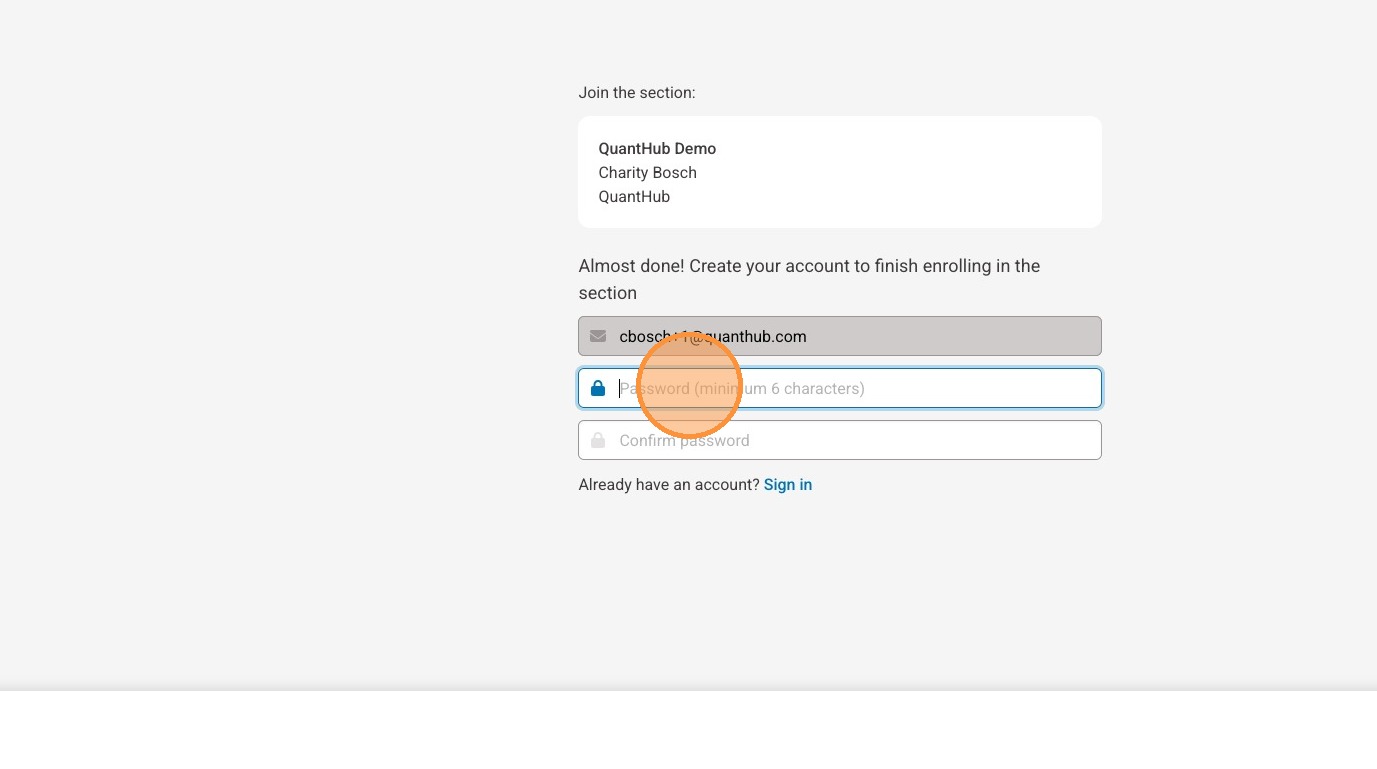
5. Select "Create account"
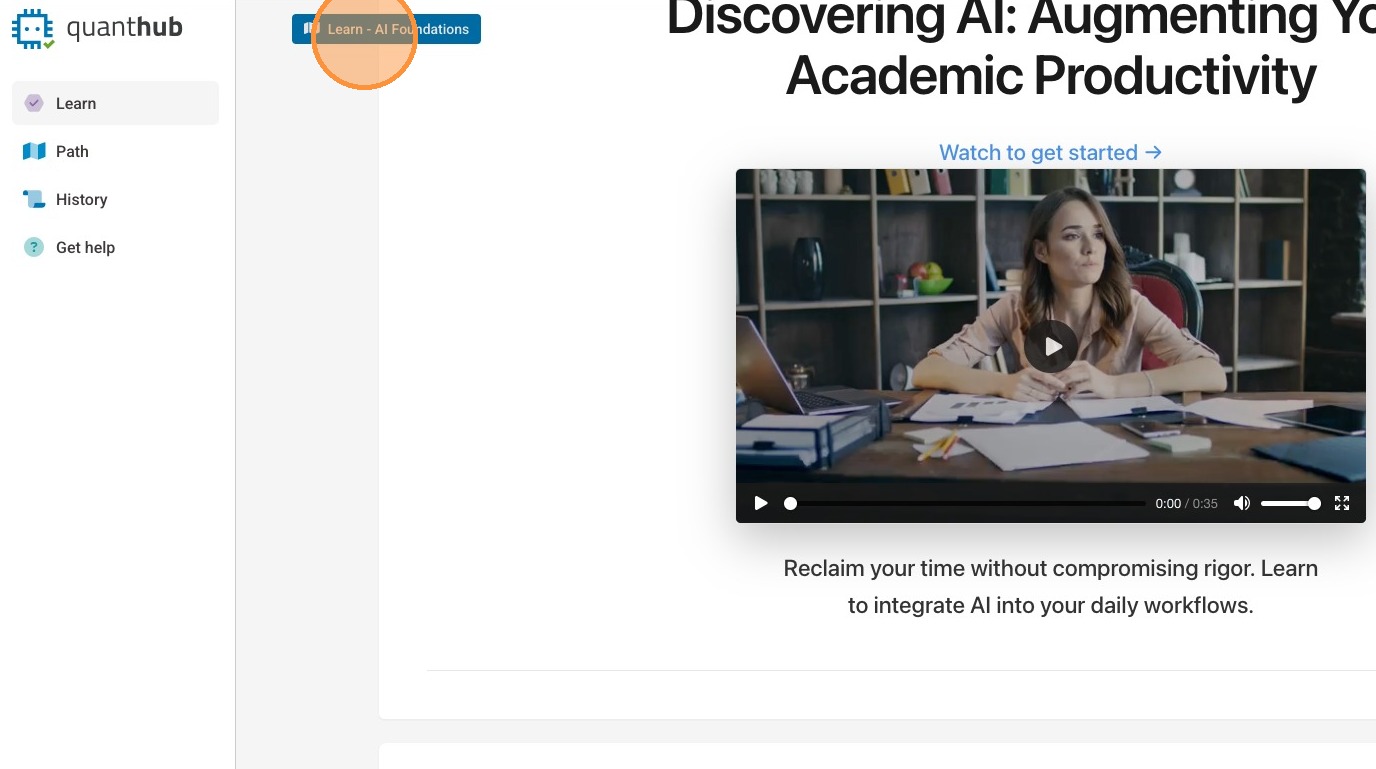
6. You will be brought into the QuantHub platform - to switch between content you can select the blue switcher in the upper-left corner.
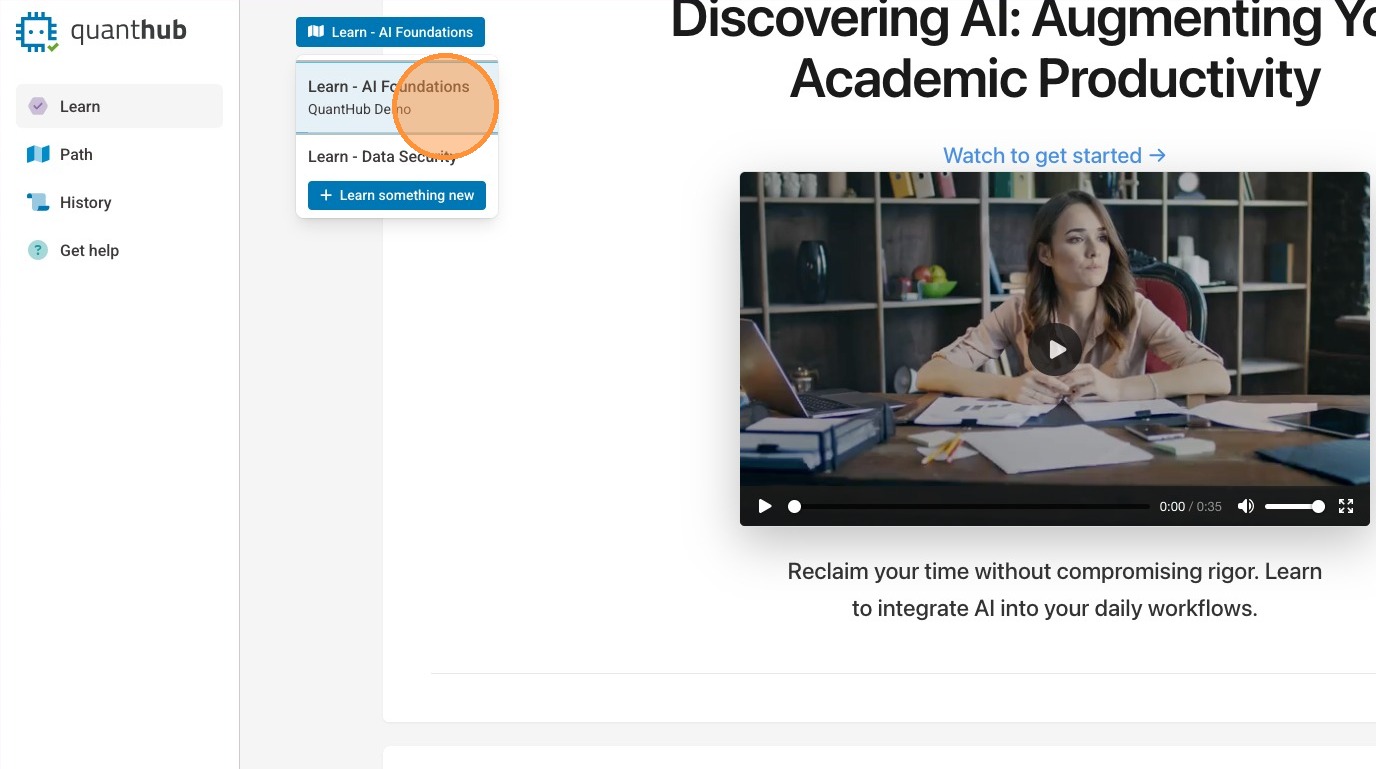
7. Then, you may navigate to other content you may be assigned.
Was this article helpful?
That’s Great!
Thank you for your feedback
Sorry! We couldn't be helpful
Thank you for your feedback
Feedback sent
We appreciate your effort and will try to fix the article